App Changelog Monitoring
Track new releases, update dates, and Google Play changelog text so each app has a searchable change history.
Google Play App Changelog & Change Monitoring
Track app changelog updates, release notes, version history, rankings, ratings, screenshots, and store listing changes across Google Play.
| App | Country | Chart | Category | Current Rank | Previous Rank | Change | Signal |
|---|---|---|---|---|---|---|---|
| Loading chart movers... | |||||||
Follow every Google Play app changelog in one place, including release notes, version history, store listing updates, ranking movement, and monetization signals.
Track new releases, update dates, and Google Play changelog text so each app has a searchable change history.
Compare release notes across versions and spot when developers rewrite, remove, or expand what is new.
Detect added, removed, and reordered screenshots, app icons, and feature graphics from the store listing.
Monitor changes to app titles, short descriptions, full descriptions, category labels, and store messaging.
See when pricing, ads, in-app purchases, subscriptions, or paid app signals change on Google Play.
Compare ratings, review volume, download ranges, and chart movement to identify app growth momentum.
 RRemitly: Send Money & Transfer
 RRewarded Play: Play and Earn
 FFetch: America’s Rewards App
 UUber Eats: Food and Grocery
 DDramaBox - Stream Drama Shorts
 CClaude by Anthropic
 KKalshi: Trade the World Cup
 SSHEIN-Shopping Online
 TTrump Accounts: Official App
 AAliExpress - Shopping App
 WWalmart: Shopping & Savings
 DDealSeek: Coupons & Discounts
 EEarnStar: Play for Rewards
 PPanera Bread
 RReelShort - Stream Drama & TV
 SStrava: Run, Bike, Walk

all.documentreader.filereader.office.viewer · QR Code Scanner.
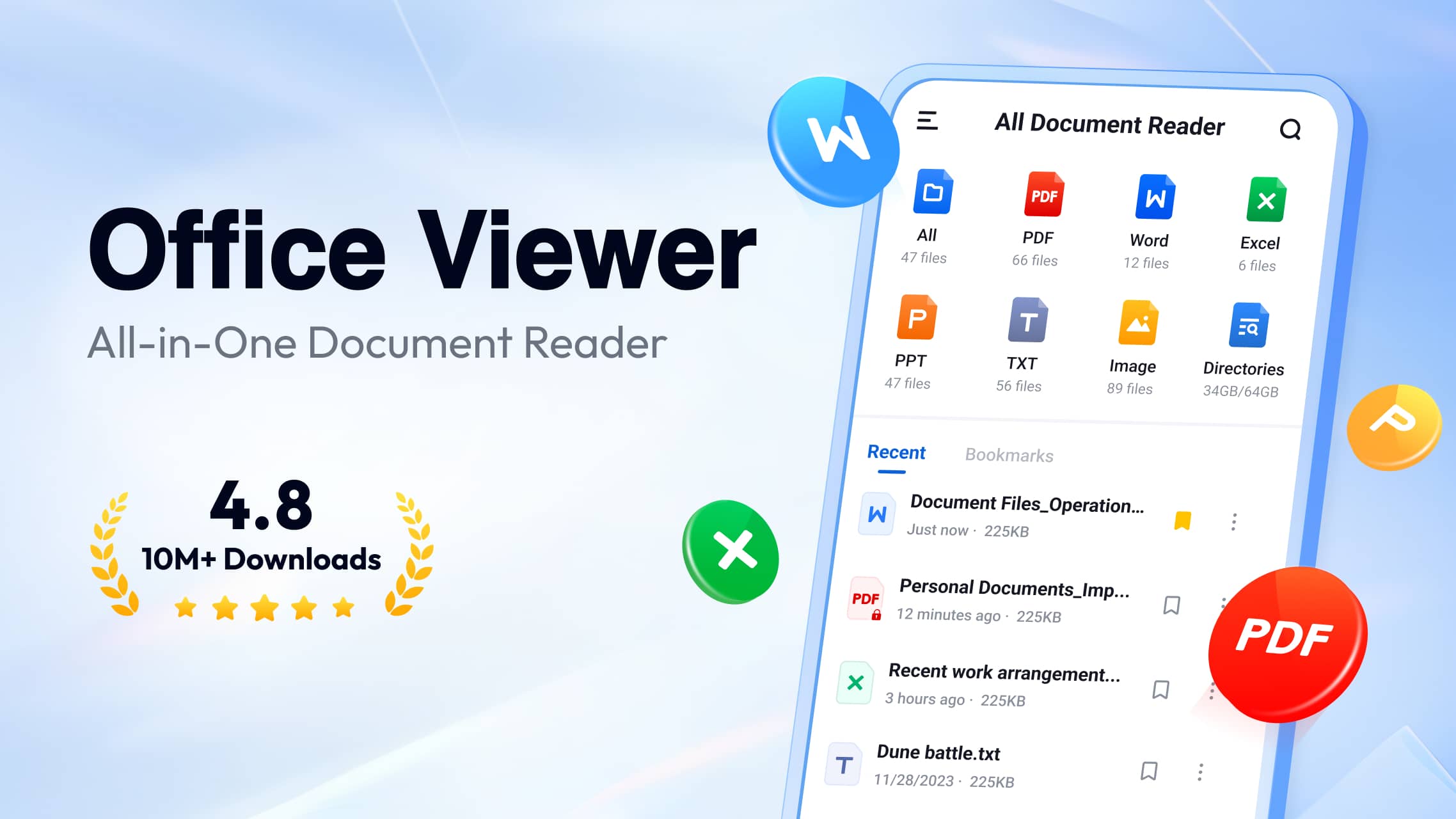
A new version of the all-in-one document reader app has appeared on Google Play, and the changelog points to two areas getting meaningful attention: document signing and template management.
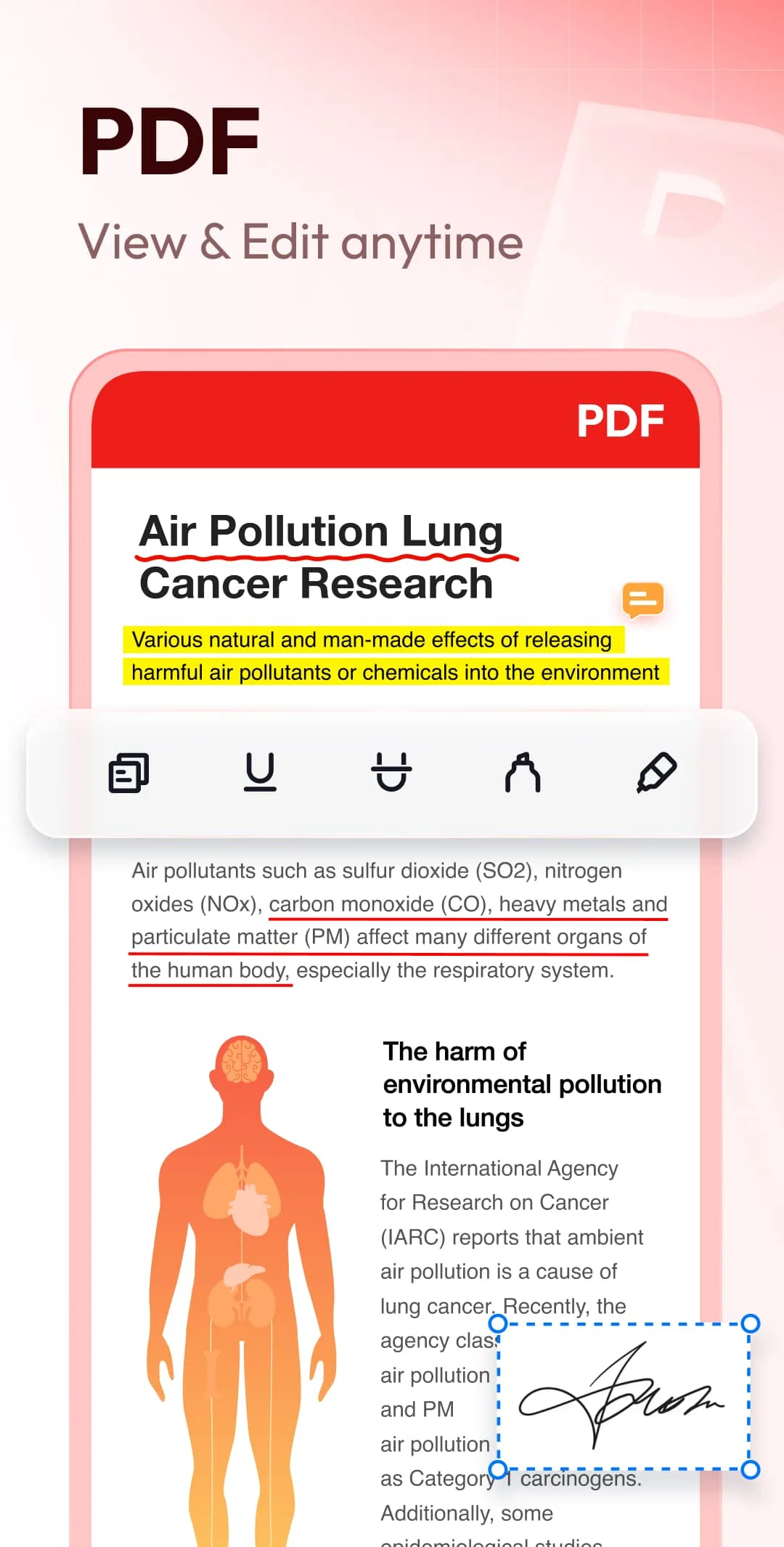
The update text, which appears on the app’s Play Store listing, leads with a “Sign” feature that’s described as now more convenient. The phrasing suggests this isn’t a brand-new capability being introduced from scratch, but rather an improvement to an existing signing workflow. The accompanying description — “No printing needed — sign documents online anytime, anywhere” — reinforces that the app is trying to eliminate the old print-sign-scan loop that still plagues mobile document work.
I’ve seen plenty of document reader apps tack on a half-baked signature tool that lets you draw a squiggly line with your finger and call it a day. The question is whether this update goes further, perhaps offering typed signatures, saved signature profiles, or date stamping. The changelog doesn’t get that specific, so I’d want to test it before declaring it a game-changer. But the emphasis on “online” signing hints at cloud-backed functionality rather than just local annotation.
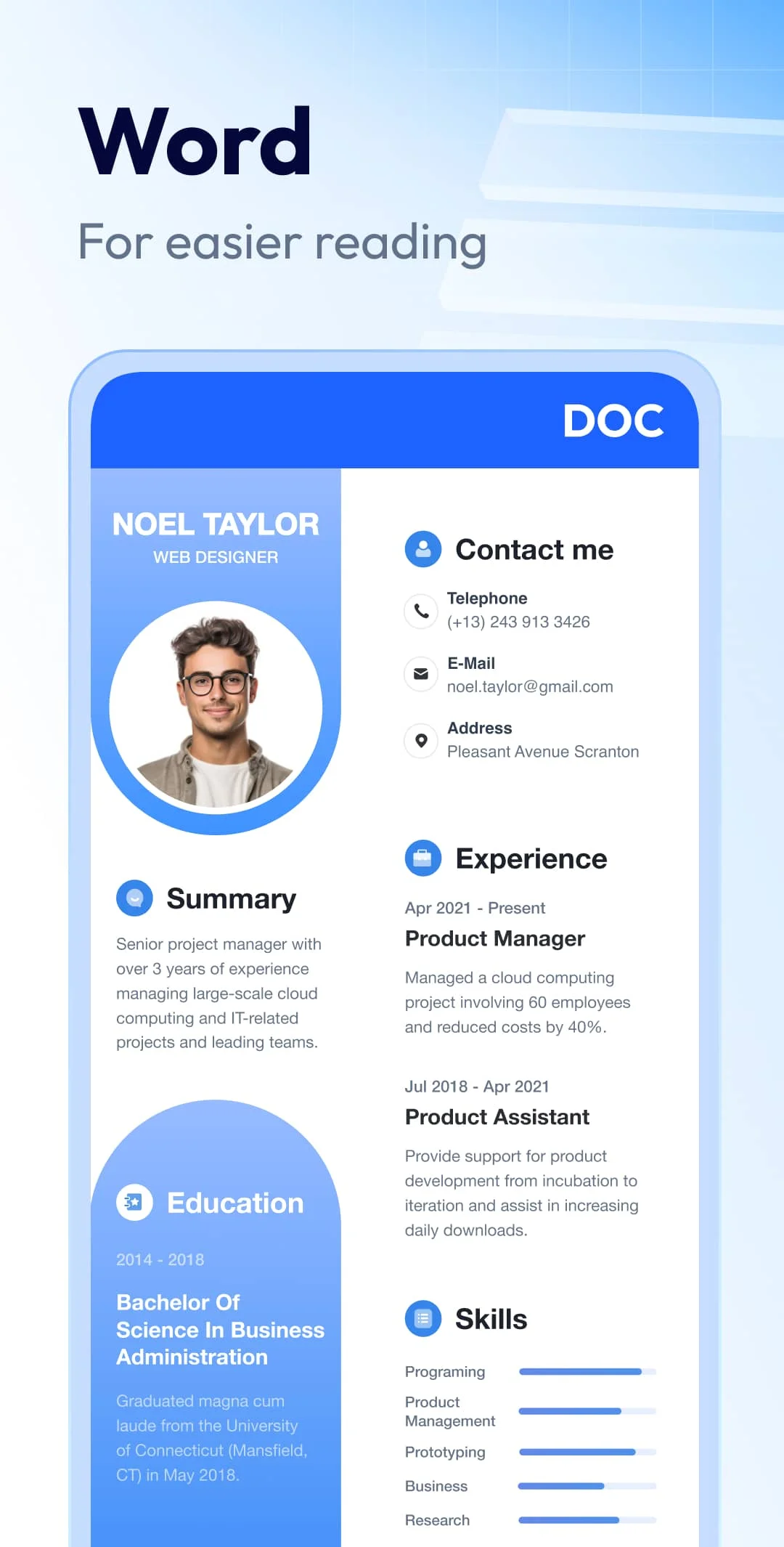
The second change involves templates. The update says templates are “now richer” with more options added and one-tap apply support. This is the kind of feature that sounds minor until you’re staring at a blank document on your phone trying to format an invoice or a simple agreement. Template libraries in mobile office apps tend to be thin and buried behind menus. If this update genuinely surfaces useful templates and lets you apply them with a single tap, that’s a practical quality-of-life improvement for anyone using the app for quick document creation.
The changelog also includes the standard “fixed known issues and improved overall performance” line. That’s boilerplate, but it’s worth noting that the app’s developer, Simple Design Ltd., has been maintaining this reader for a while across multiple store listings. The version number has changed, and the Play Store listing for the primary app ID reflects these updates as of mid-July 2026.
There’s no indication of platform exclusivity or staged rollout here. The update appears to be live on Google Play for the US English version of the app. Whether iOS users will see the same changes isn’t addressed in the available sources.
Document reader apps are a crowded category. Everyone wants to be the one app you don’t delete after opening a PDF once. Features like signing and templates are exactly the kind of sticky functionality that can turn a utility into a daily driver. This update seems aimed at that transition. Whether it succeeds depends on execution, and the changelog only tells half the story.
Over the last 60 days, PixelTrack observed changes in estimated installs, rating, rating count and review count. The table compares the earliest recorded changed value with the latest observation.
| Metric | Earlier value | Latest value | Change | Latest change |
|---|---|---|---|---|
| Estimated installs | 119,656,918 | 121,519,669 | +1,862,751 | Aug 6, 2026 |
| Rating | 4.57 | 4.52 | -0.05 | Aug 6, 2026 |
| Rating count | 470,538 | 477,642 | +7,104 | Aug 6, 2026 |
| Review count | 4,038 | 4,102 | +64 | Aug 6, 2026 |
✍️ New Feature: "Sign" is now more convenient! ✨ Sign: No printing needed — sign documents online anytime, anywhere 🎨 Feature Optimization: "Templates" are now richer! ✨ More templates added with one-tap apply support ✅ Experience Improvements ✨ Fixed known issues and improved overall performance
Explore Mobile Apps
0 monitored apps
Apps matching “”
0 apps found
Paste its Google Play URL or enter the Android package name.
My watchlist