App Changelog Monitoring
Track new releases, update dates, and Google Play changelog text so each app has a searchable change history.
Google Play App Changelog & Change Monitoring
Track app changelog updates, release notes, version history, rankings, ratings, screenshots, and store listing changes across Google Play.
| App | Country | Chart | Category | Current Rank | Previous Rank | Change | Signal |
|---|---|---|---|---|---|---|---|
| Loading chart movers... | |||||||
Follow every Google Play app changelog in one place, including release notes, version history, store listing updates, ranking movement, and monetization signals.
Track new releases, update dates, and Google Play changelog text so each app has a searchable change history.
Compare release notes across versions and spot when developers rewrite, remove, or expand what is new.
Detect added, removed, and reordered screenshots, app icons, and feature graphics from the store listing.
Monitor changes to app titles, short descriptions, full descriptions, category labels, and store messaging.
See when pricing, ads, in-app purchases, subscriptions, or paid app signals change on Google Play.
Compare ratings, review volume, download ranges, and chart movement to identify app growth momentum.
 RRemitly: Send Money & Transfer
 RRewarded Play: Play and Earn
 FFetch: America’s Rewards App
 UUber Eats: Food and Grocery
 DDramaBox - Stream Drama Shorts
 CClaude by Anthropic
 KKalshi: Trade the World Cup
 SSHEIN-Shopping Online
 TTrump Accounts: Official App
 AAliExpress - Shopping App
 WWalmart: Shopping & Savings
 DDealSeek: Coupons & Discounts
 EEarnStar: Play for Rewards
 PPanera Bread
 RReelShort - Stream Drama & TV
 SStrava: Run, Bike, Walk

Adobe has pushed a new update for Photoshop on desktop, and the release notes point to two notable additions that could meaningfully change how users work with the application.
The first feature is an Image to Video experience. The update text describes it as letting you "create stunning videos from your images." This isn't a small tweak. It represents a genuine expansion of what Photoshop can do, moving beyond static image editing into short-form video generation. If it works as described, you'd be able to take a single photograph or composite and turn it into a moving clip without leaving the application. That saves a round trip to After Effects or a dedicated video tool.
The second addition is instant text layer translation. The update says you can "translate text layers into another language instantly, without affecting the rest of your design." This is one of those features that sounds obvious in retrospect. Anyone who has ever had to localize a mockup knows the pain of manually retyping text, re-matching fonts, and repositioning elements. If Photoshop handles the translation inline and preserves the layer structure, it could cut a tedious workflow down to seconds.
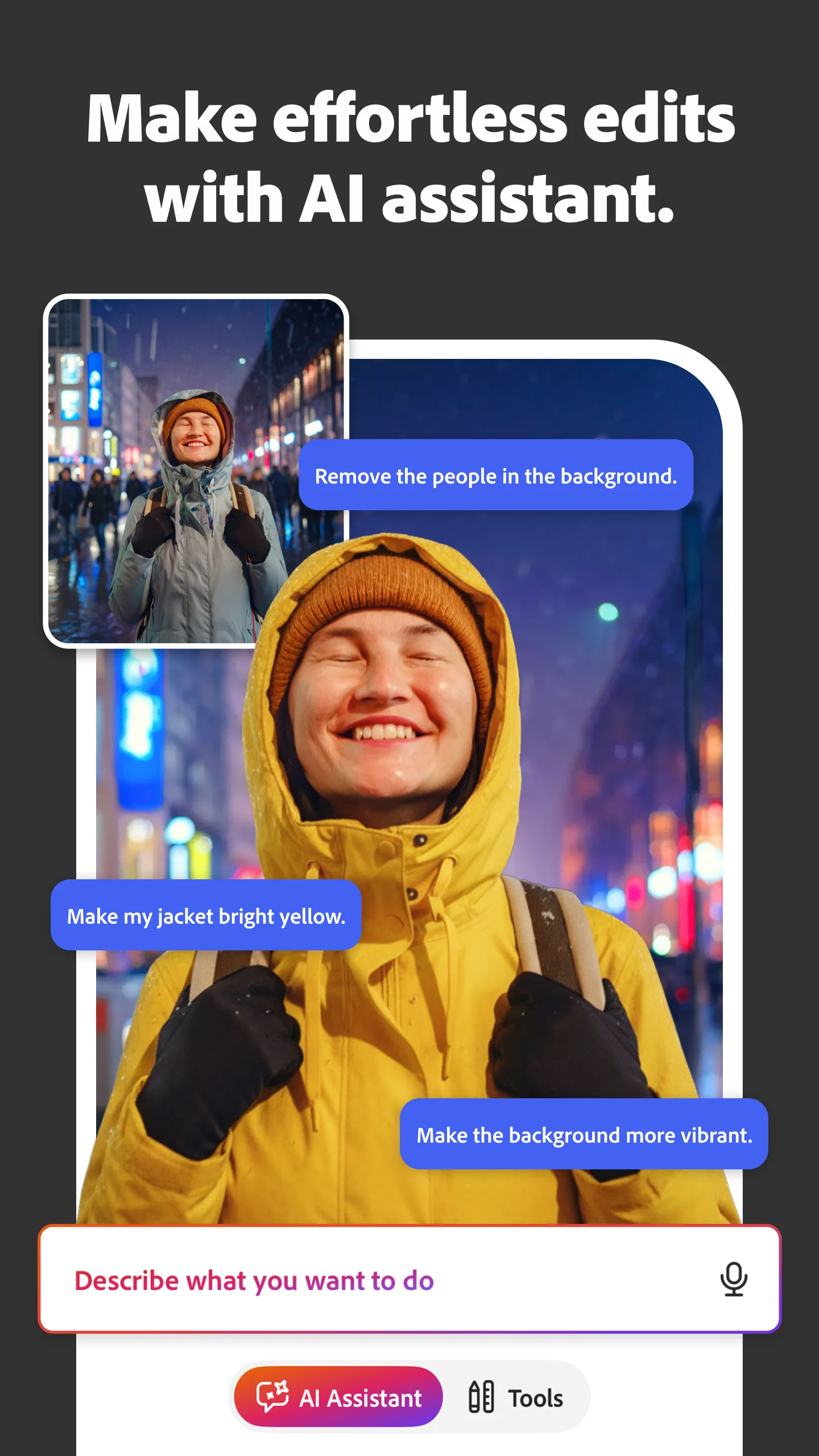
I should note that these changes come from the app's recentChanges field, which is a high-confidence indicator of what's actually shipping. The public sources I've seen are more scattered. Adobe's official help page for the June 2026 beta (version 27.9) focuses on an AI Assistant feature that executes edits based on natural language descriptions. That's a different thing. The Wikipedia entry and the YouTube roundups cover broader 2026 releases, but they don't specifically confirm these two features in the current build.
So what we have is a clear signal from the app metadata that Image to Video and text translation are live or rolling out. The beta documentation suggests Adobe is still iterating on AI features, so these may land in the stable channel with some differences from what was shown earlier.
The practical takeaway: if you produce social video assets or work with multilingual designs, this update is worth checking. The translation feature alone could justify the install for anyone handling international campaigns. The video generation is more speculative until we see output quality, but the direction is sensible.
Photoshop continues to absorb tasks that used to require separate tools. That's either convenient or concerning depending on your perspective. For now, it's a useful update.
Over the last 60 days, PixelTrack observed changes in estimated installs, rating, rating count and review count. The table compares the earliest recorded changed value with the latest observation.
| Metric | Earlier value | Latest value | Change | Latest change |
|---|---|---|---|---|
| Estimated installs | 3,198,014 | 3,243,660 | +45,646 | Aug 6, 2026 |
| Rating | 4.38 | 4.34 | -0.05 | Aug 5, 2026 |
| Rating count | 3,634 | 3,777 | +143 | Aug 6, 2026 |
| Review count | 92 | 95 | +3 | Jul 30, 2026 |
- Create stunning videos from your images with the new Image to video experience - Translate text layers into another language instantly, without affecting the rest of your design - Improved Layer Styles performance, along with guide fixes, stability improvements, and bug fixes for a smoother editing experience
Release notes updated
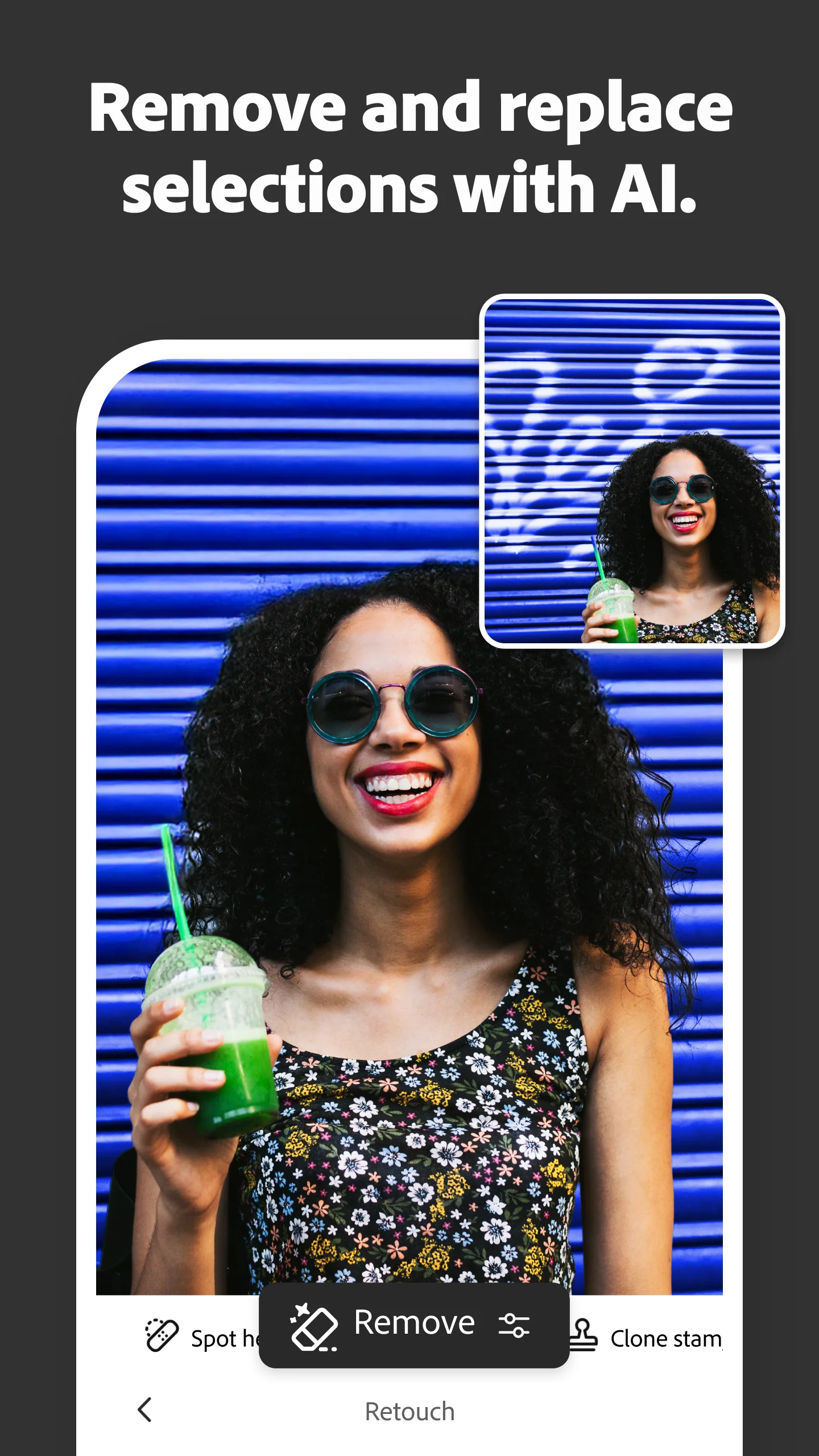
- Start creating instantly, no sign-in required - Create eye-catching visuals with new AI-powered generative effects - Remove unwanted distractions from your photos with a single tap using quick actions - Improved app experience with UI enhancements, performance improvements, and bug fixes
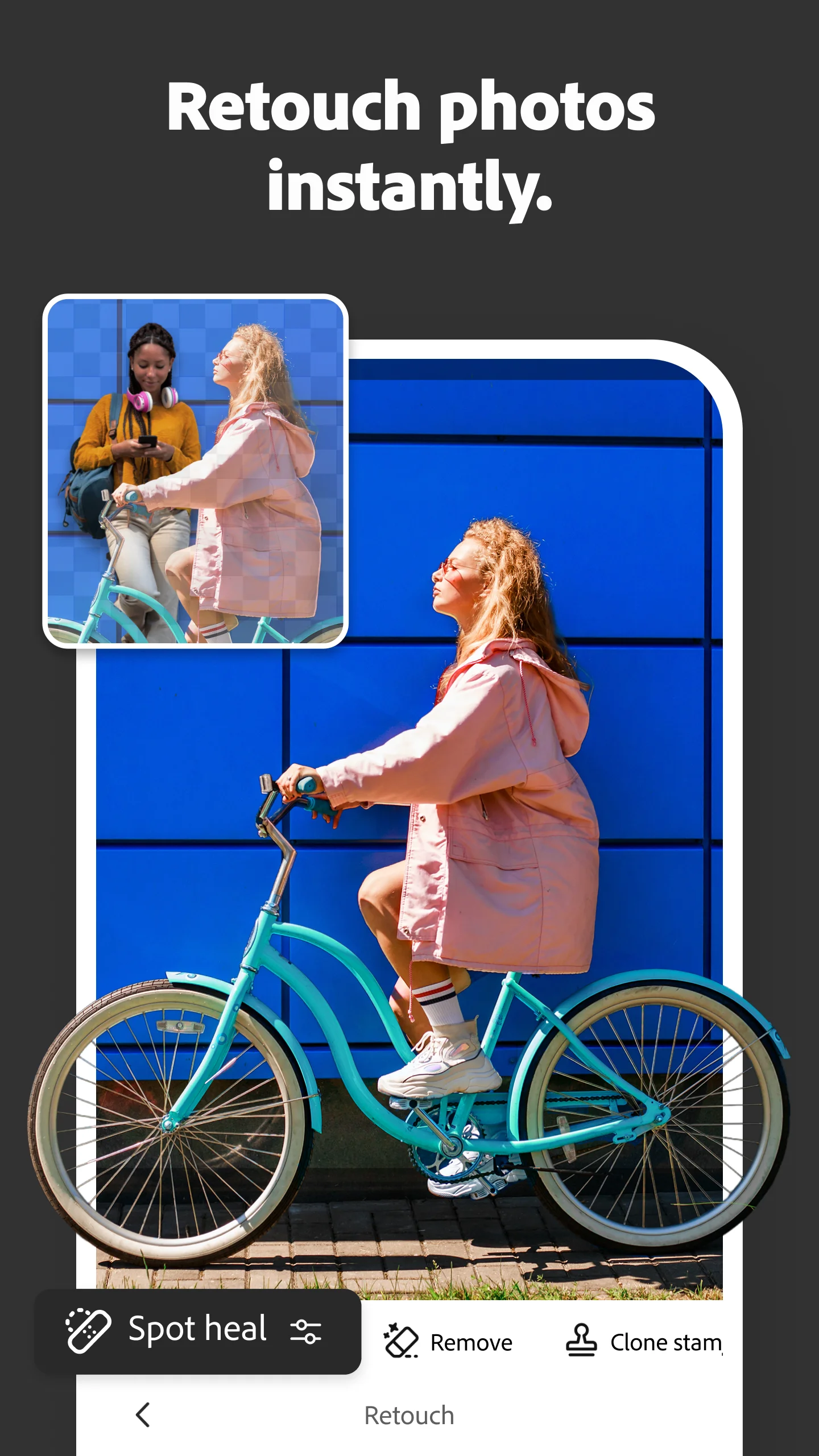
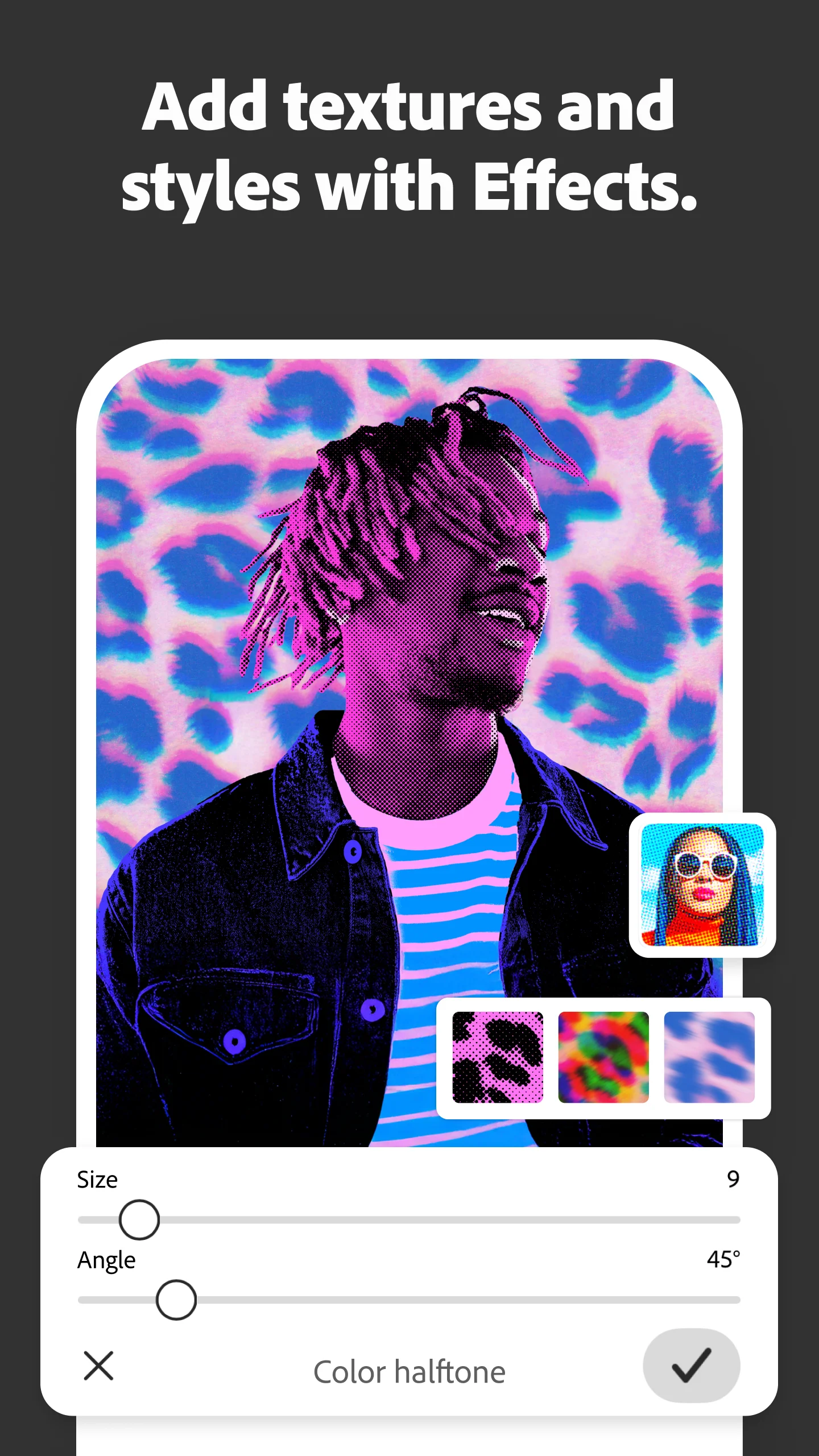
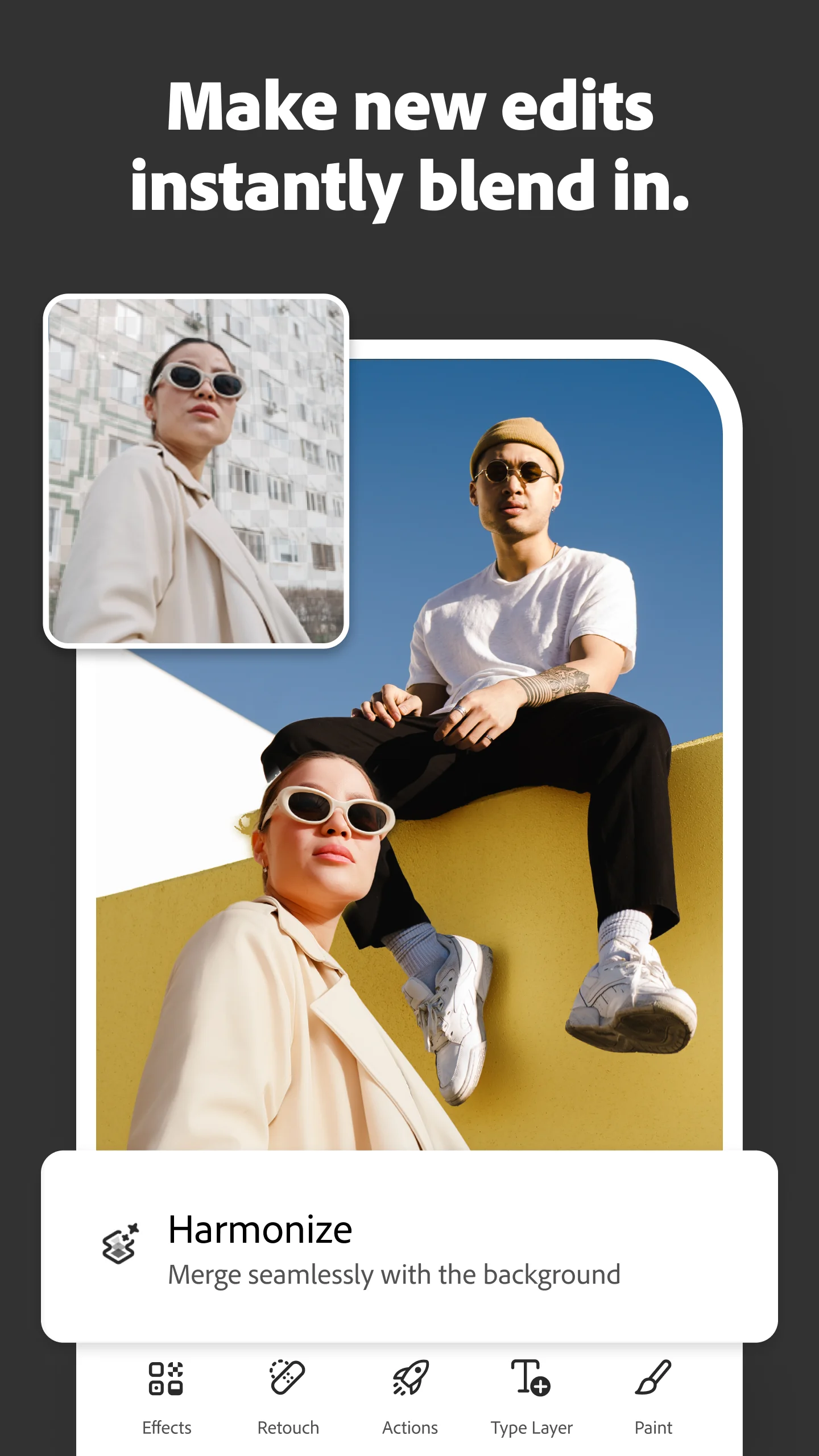
Screenshots: 24 → 24 images
Explore Mobile Apps
0 monitored apps
Apps matching “”
0 apps found
Paste its Google Play URL or enter the Android package name.
My watchlist