App Changelog Monitoring
Track new releases, update dates, and Google Play changelog text so each app has a searchable change history.
Google Play App Changelog & Change Monitoring
Track app changelog updates, release notes, version history, rankings, ratings, screenshots, and store listing changes across Google Play.
| App | Country | Chart | Category | Current Rank | Previous Rank | Change | Signal |
|---|---|---|---|---|---|---|---|
| Loading chart movers... | |||||||
Follow every Google Play app changelog in one place, including release notes, version history, store listing updates, ranking movement, and monetization signals.
Track new releases, update dates, and Google Play changelog text so each app has a searchable change history.
Compare release notes across versions and spot when developers rewrite, remove, or expand what is new.
Detect added, removed, and reordered screenshots, app icons, and feature graphics from the store listing.
Monitor changes to app titles, short descriptions, full descriptions, category labels, and store messaging.
See when pricing, ads, in-app purchases, subscriptions, or paid app signals change on Google Play.
Compare ratings, review volume, download ranges, and chart movement to identify app growth momentum.
 RRemitly: Send Money & Transfer
 RRewarded Play: Play and Earn
 FFetch: America’s Rewards App
 UUber Eats: Food and Grocery
 DDramaBox - Stream Drama Shorts
 CClaude by Anthropic
 KKalshi: Trade the World Cup
 SSHEIN-Shopping Online
 TTrump Accounts: Official App
 AAliExpress - Shopping App
 WWalmart: Shopping & Savings
 DDealSeek: Coupons & Discounts
 EEarnStar: Play for Rewards
 PPanera Bread
 RReelShort - Stream Drama & TV
 SStrava: Run, Bike, Walk

AWS Console Mobile App Update Brings Kiro CLI Voice Control, Home Screen Shortcuts, and Amazon Q Cost Tools
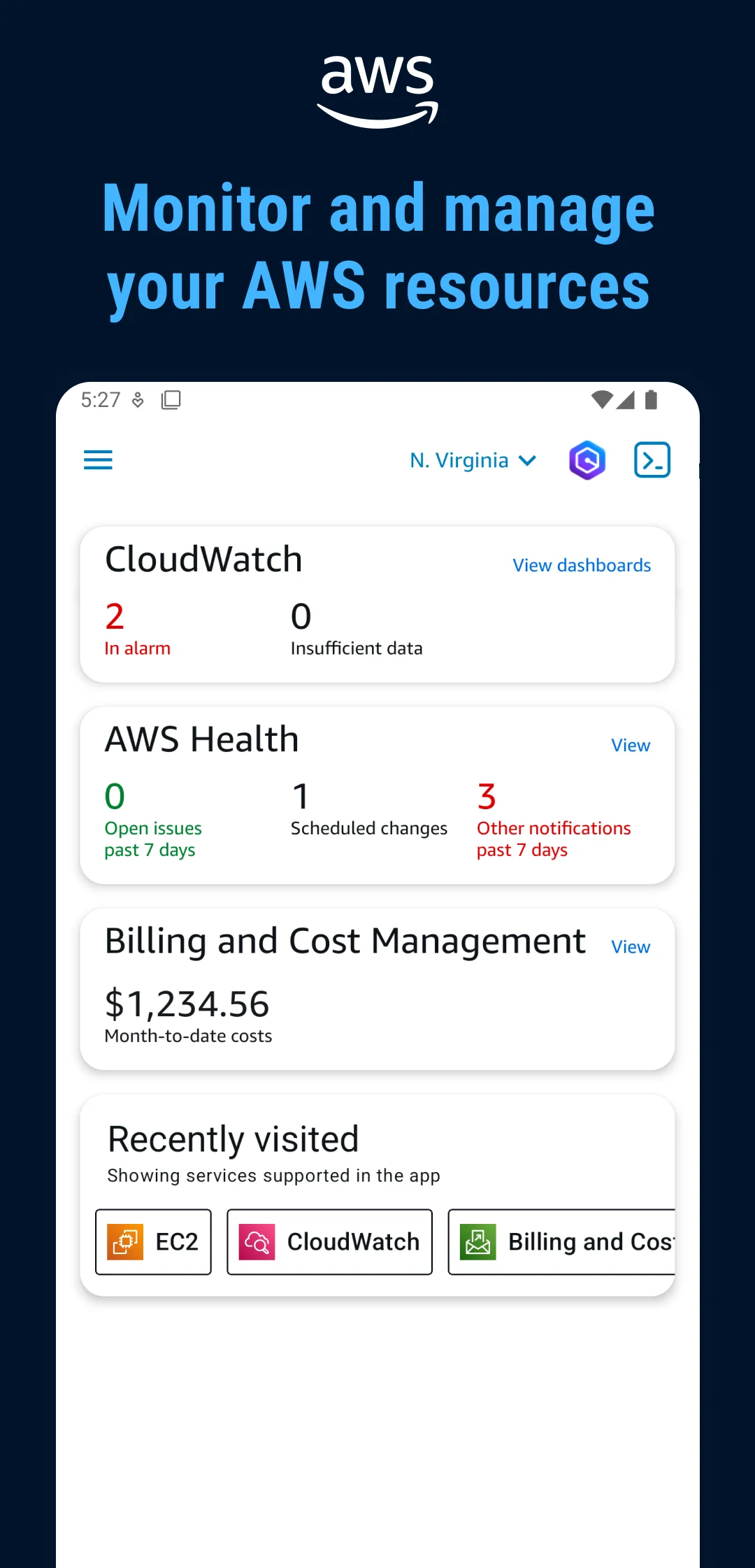
The AWS Console Mobile Application has received a new version update on Google Play. The release introduces three user-facing improvements centered on resource management, navigation, and cost oversight.
Kiro CLI Interaction via Voice and Images
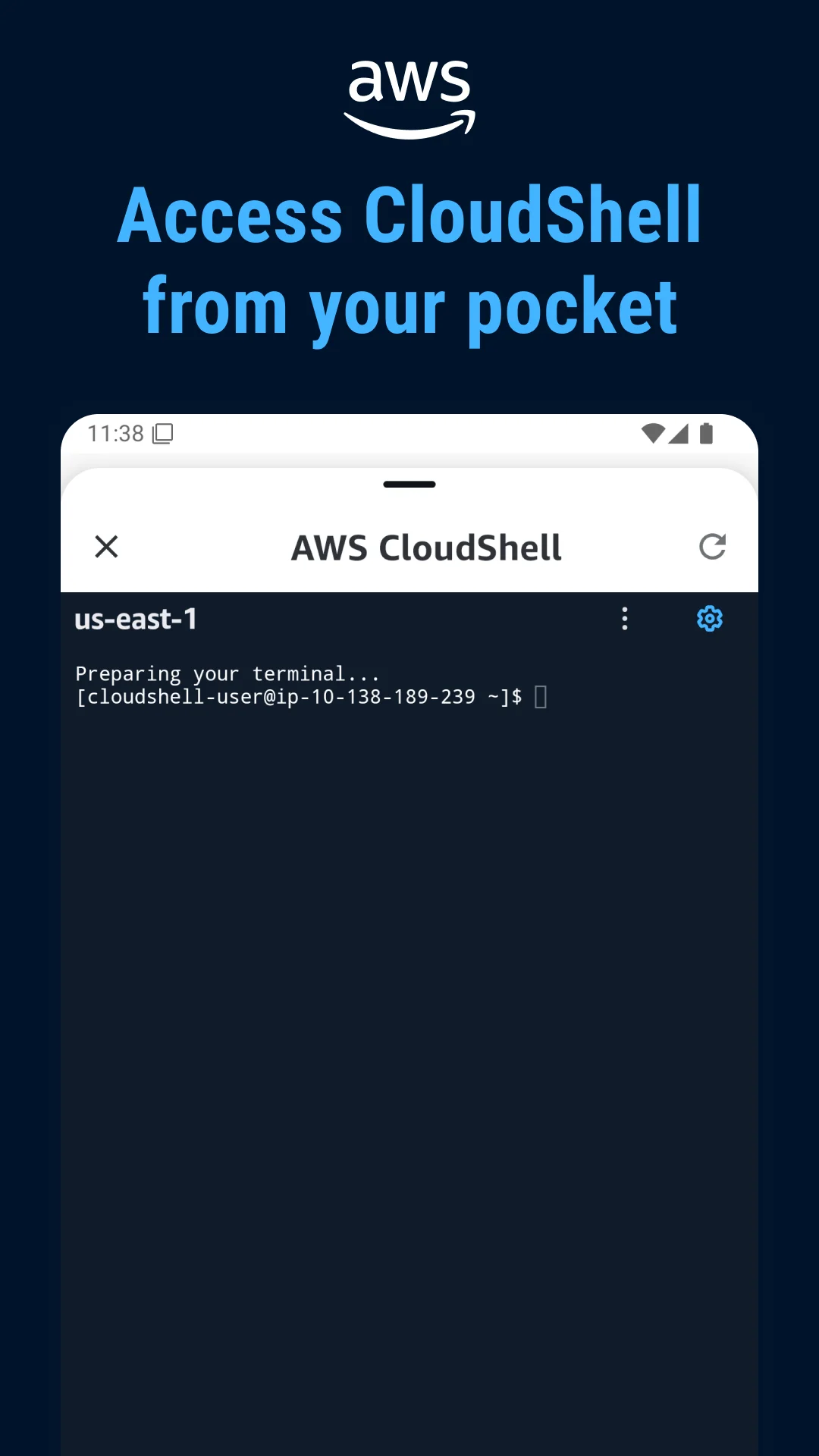
Users can now interact with the Kiro CLI using voice, images, and model selection from any screen within the app. This expands the command-line interface’s accessibility, allowing users to manage AWS resources without switching contexts or typing commands manually. The feature integrates model selection directly into the interaction flow, giving users control over which AI model processes their requests.
Recently Viewed Resources on Home Page
The home screen now displays recently viewed resources, providing a direct shortcut for users returning to frequently accessed services or workloads. This reduces the number of taps required to reach previously opened resources, streamlining navigation for administrators who manage multiple AWS environments.
Amazon Q Cost Charts and Support Case Management
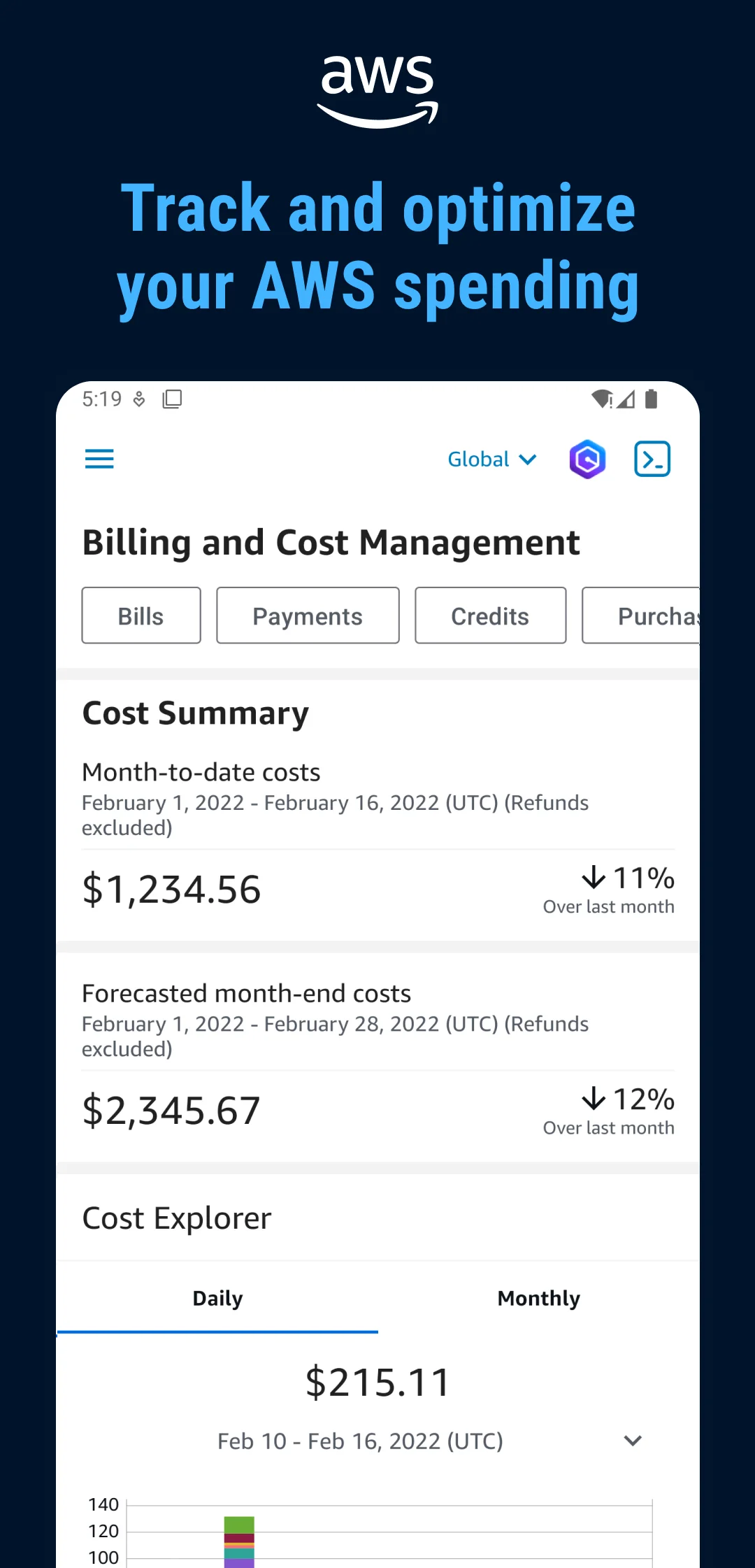
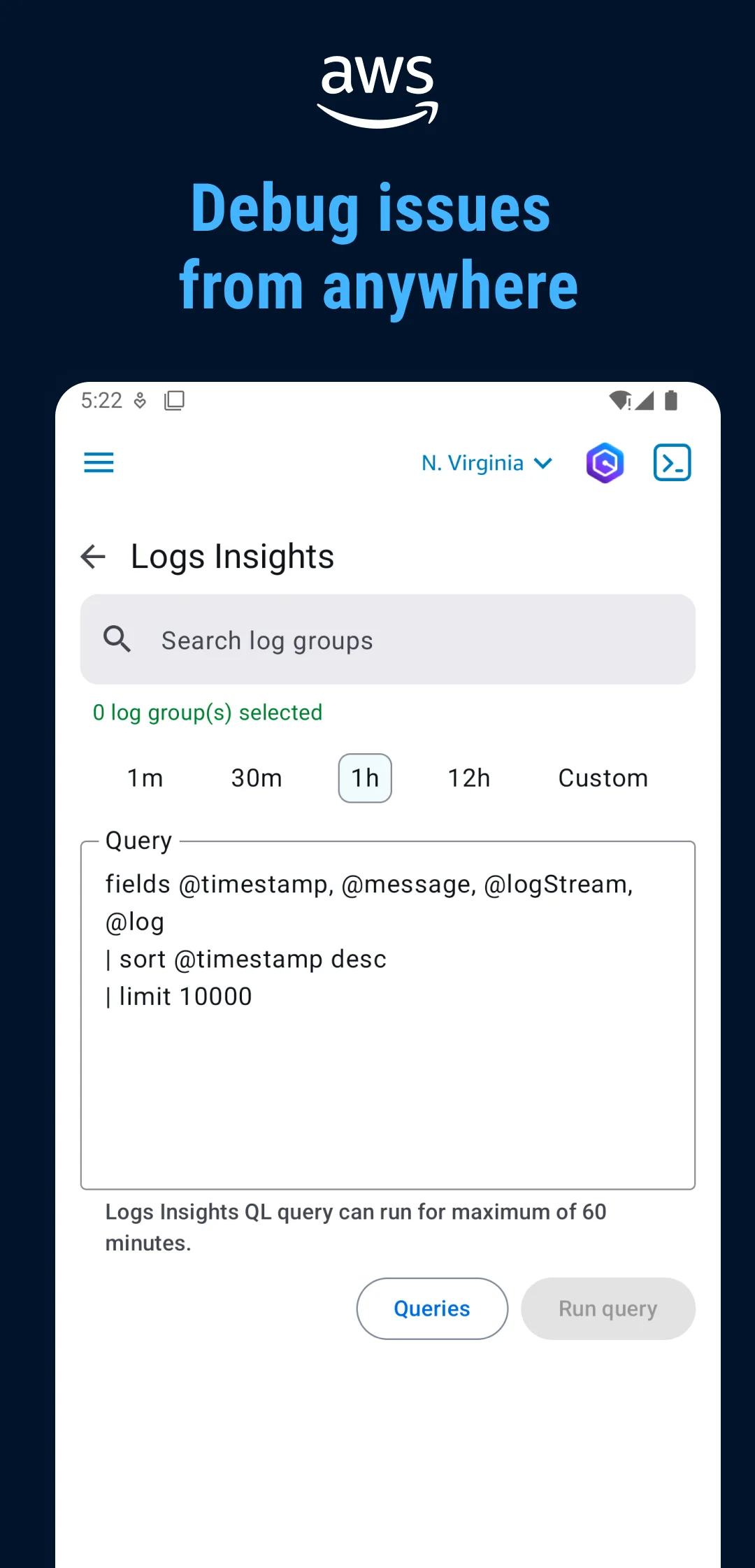
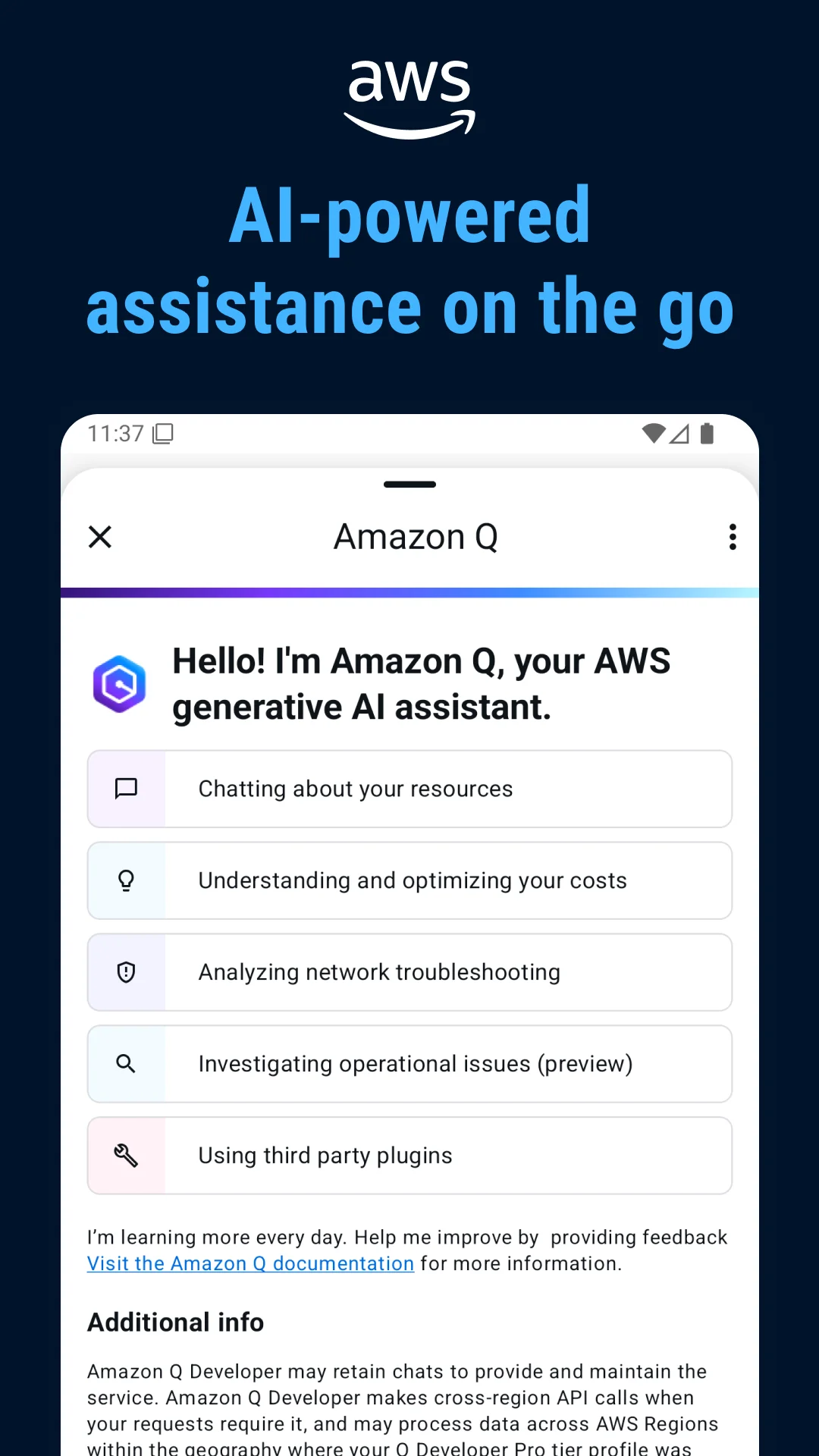
Amazon Q, the AI assistant embedded in the console app, now includes detailed cost charts and support case management capabilities. Users can view cost breakdowns and initiate or track support cases without leaving the assistant interface. This builds on Amazon Q’s existing billing analysis features, which already explain cost spikes and provide right-sizing recommendations for workloads like EC2 instances.
Contextual Assistance Across Screens
The update also reinforces Amazon Q’s availability from the top menu bar on any screen. The assistant understands which AWS service or resource is currently displayed, enabling contextual queries such as asking for cost reduction strategies while viewing a specific instance. This positions the mobile app as a more complete management tool for on-the-go administrators.
The update is available now for Android devices via Google Play. Users should ensure their app is updated to the latest version to access these features.
The AWS Console Mobile Application now supports QR code-based sign-in for users authenticating through AWS IAM Identity Center. This feature, confirmed in official AWS documentation and blog posts, allows users to sign in by scanning a QR code from their desktop browser instead of manually entering credentials or URLs on their mobile device.
To sign in using the QR code method, users navigate to their AWS access portal on a desktop computer. From the access portal, they open the right side panel labeled "More ways to access AWS" and select the "Access the console in the mobile app" QR code. Scanning this code with the AWS Console Mobile Application connects the app directly to the organization's IAM Identity Center without requiring users to type their sign-in URL or corporate credentials on the phone.
This process applies to organizations using IAM Identity Center (formerly AWS SSO). When an administrator creates a user in IAM Identity Center, the user receives an email invitation containing a one-time password for their first sign-in. After completing that initial setup, the QR code flow becomes available for subsequent authentication sessions.
The default session duration for the AWS access portal is eight hours. Administrators can adjust this duration. After the session expires, users need to scan the QR code again to re-authenticate.
The QR code sign-in feature is documented in the AWS Console Mobile Application User Guide and the AWS Cloud Operations Blog. The feature requires users to have access to their organization's AWS access portal on a desktop device to generate the QR code. Organizations that have not implemented IAM Identity Center will not see this sign-in option.
For organizations using IAM Identity Center, the QR code sign-in reduces the friction of authenticating on mobile devices. Users no longer need to remember or type their access portal URL, which previously required either memorization or retrieval from an administrator. The desktop session handles authentication, and the mobile app receives the connection through the scanned code.
Over the last 60 days, PixelTrack observed changes in estimated installs, rating, rating count and review count. The table compares the earliest recorded changed value with the latest observation.
| Metric | Earlier value | Latest value | Change | Latest change |
|---|---|---|---|---|
| Estimated installs | 1,500,981 | 1,510,295 | +9,314 | Aug 7, 2026 |
| Rating | 4.66 | 4.68 | +0.02 | Aug 7, 2026 |
| Rating count | 28,059 | 28,316 | +257 | Aug 7, 2026 |
| Review count | 477 | 477 | 0 | Aug 4, 2026 |
-Now interact with Kiro CLI using voice, images and model selection on any screen to manage your resources -Access recently viewed resources directly from the home page for faster navigation. -Access detailed cost charts and support case management directly inside Amazon Q We're always working to improve your experience. Use the in-app menu to share feedback, report bugs, or request features, we're listening!
- Sign in faster by scanning a QR code for AWS Access Portal/Identity Center - Kiro CLI now available We're always working to improve your experience. Use the in-app menu to share feedback, report bugs, or request features - we're listening!
- Sign in faster by scanning a QR code for AWS Access Portal/Identity Center - Kiro CLI now available We're always working to improve your experience. Use the in-app menu to share feedback, report bugs, or request features - we're listening!
Explore Mobile Apps
0 monitored apps
Apps matching “”
0 apps found
Paste its Google Play URL or enter the Android package name.
My watchlist