App Changelog Monitoring
Track new releases, update dates, and Google Play changelog text so each app has a searchable change history.
Google Play App Changelog & Change Monitoring
Track app changelog updates, release notes, version history, rankings, ratings, screenshots, and store listing changes across Google Play.
| App | Country | Chart | Category | Current Rank | Previous Rank | Change | Signal |
|---|---|---|---|---|---|---|---|
| Loading chart movers... | |||||||
Follow every Google Play app changelog in one place, including release notes, version history, store listing updates, ranking movement, and monetization signals.
Track new releases, update dates, and Google Play changelog text so each app has a searchable change history.
Compare release notes across versions and spot when developers rewrite, remove, or expand what is new.
Detect added, removed, and reordered screenshots, app icons, and feature graphics from the store listing.
Monitor changes to app titles, short descriptions, full descriptions, category labels, and store messaging.
See when pricing, ads, in-app purchases, subscriptions, or paid app signals change on Google Play.
Compare ratings, review volume, download ranges, and chart movement to identify app growth momentum.
 RRemitly: Send Money & Transfer
 RRewarded Play: Play and Earn
 FFetch: America’s Rewards App
 UUber Eats: Food and Grocery
 DDramaBox - Stream Drama Shorts
 CClaude by Anthropic
 KKalshi: Trade the World Cup
 SSHEIN-Shopping Online
 TTrump Accounts: Official App
 AAliExpress - Shopping App
 WWalmart: Shopping & Savings
 DDealSeek: Coupons & Discounts
 EEarnStar: Play for Rewards
 PPanera Bread
 RReelShort - Stream Drama & TV
 SStrava: Run, Bike, Walk

com.mobisystems.office · MobiSystems
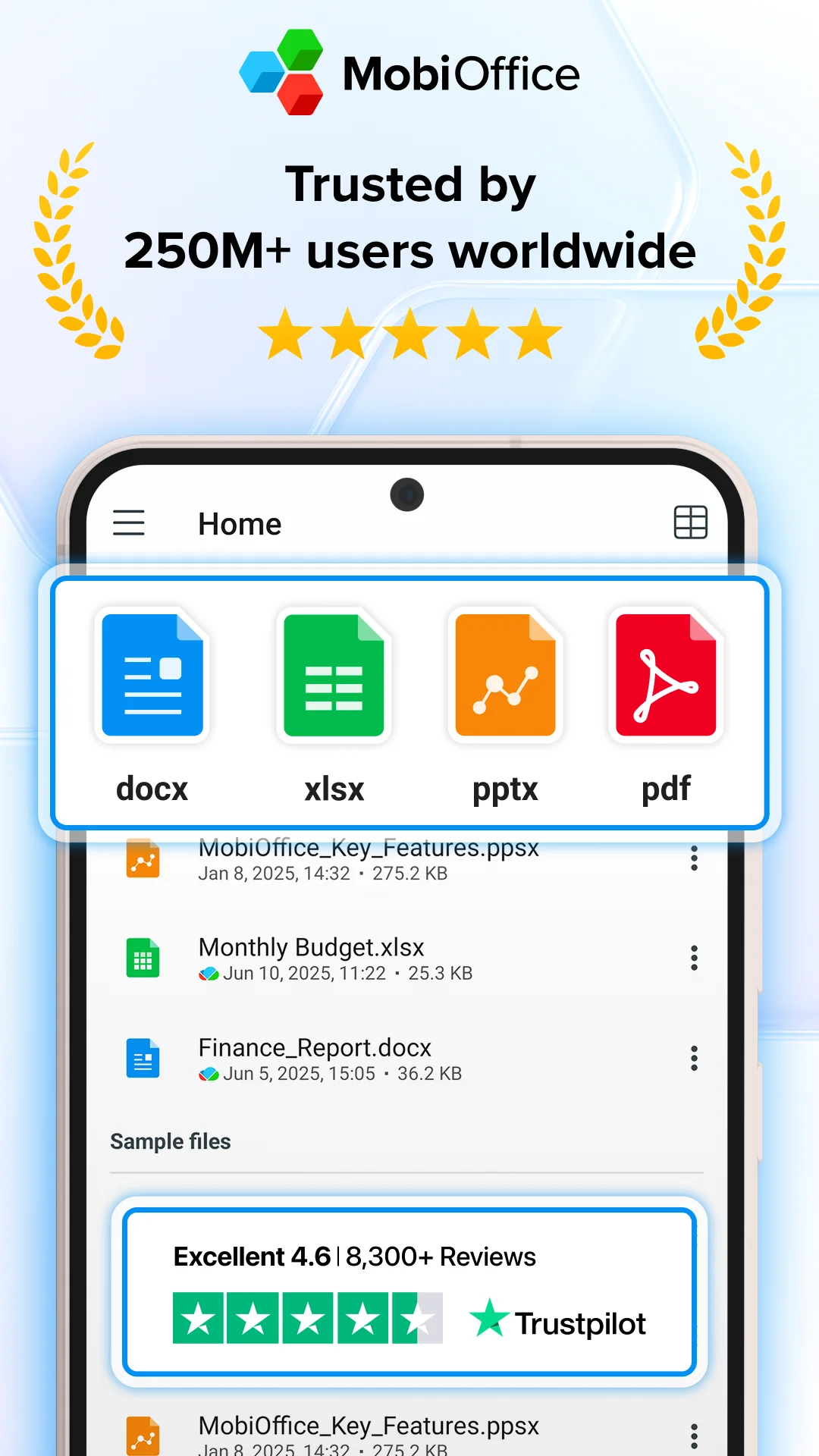
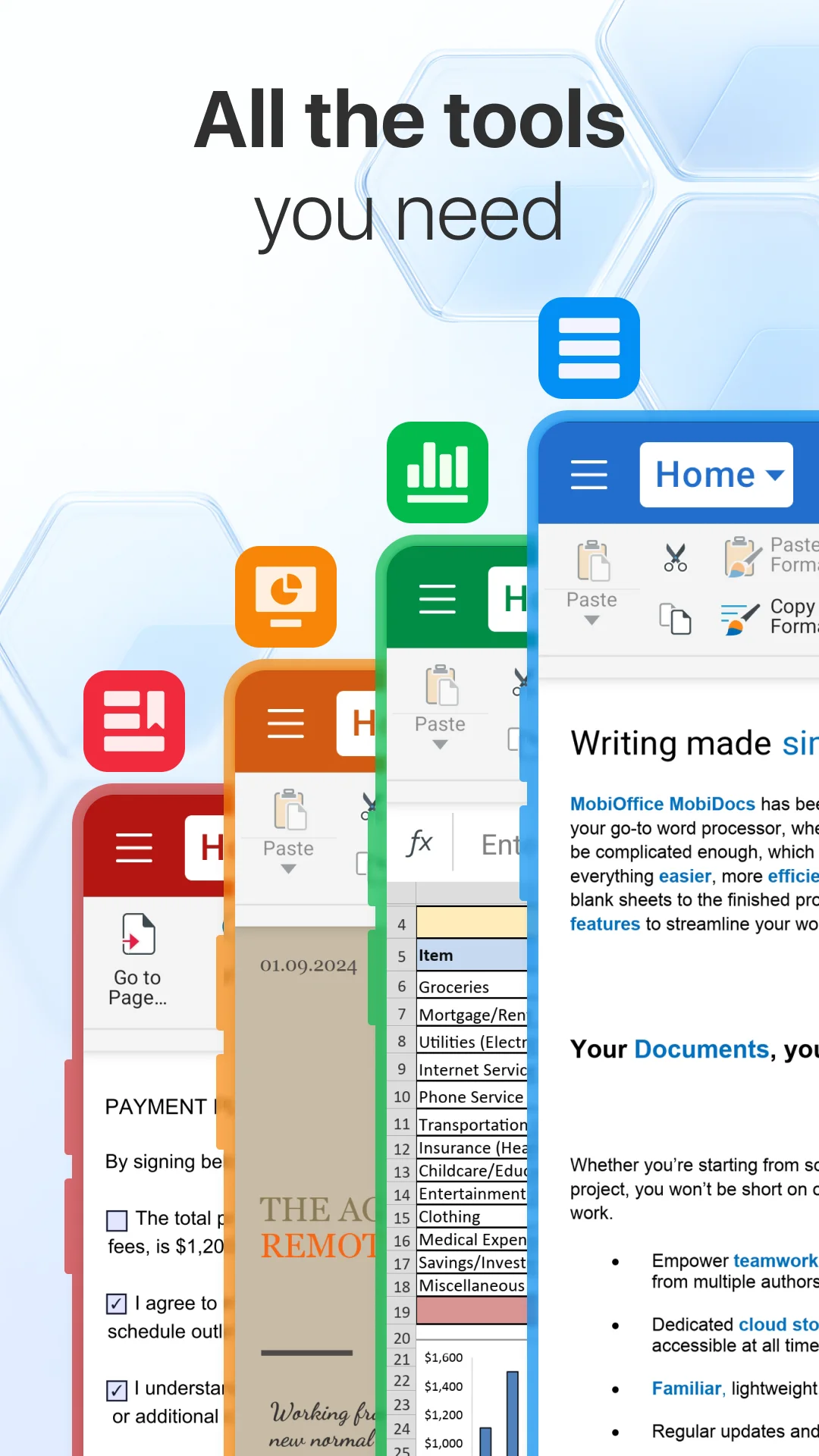
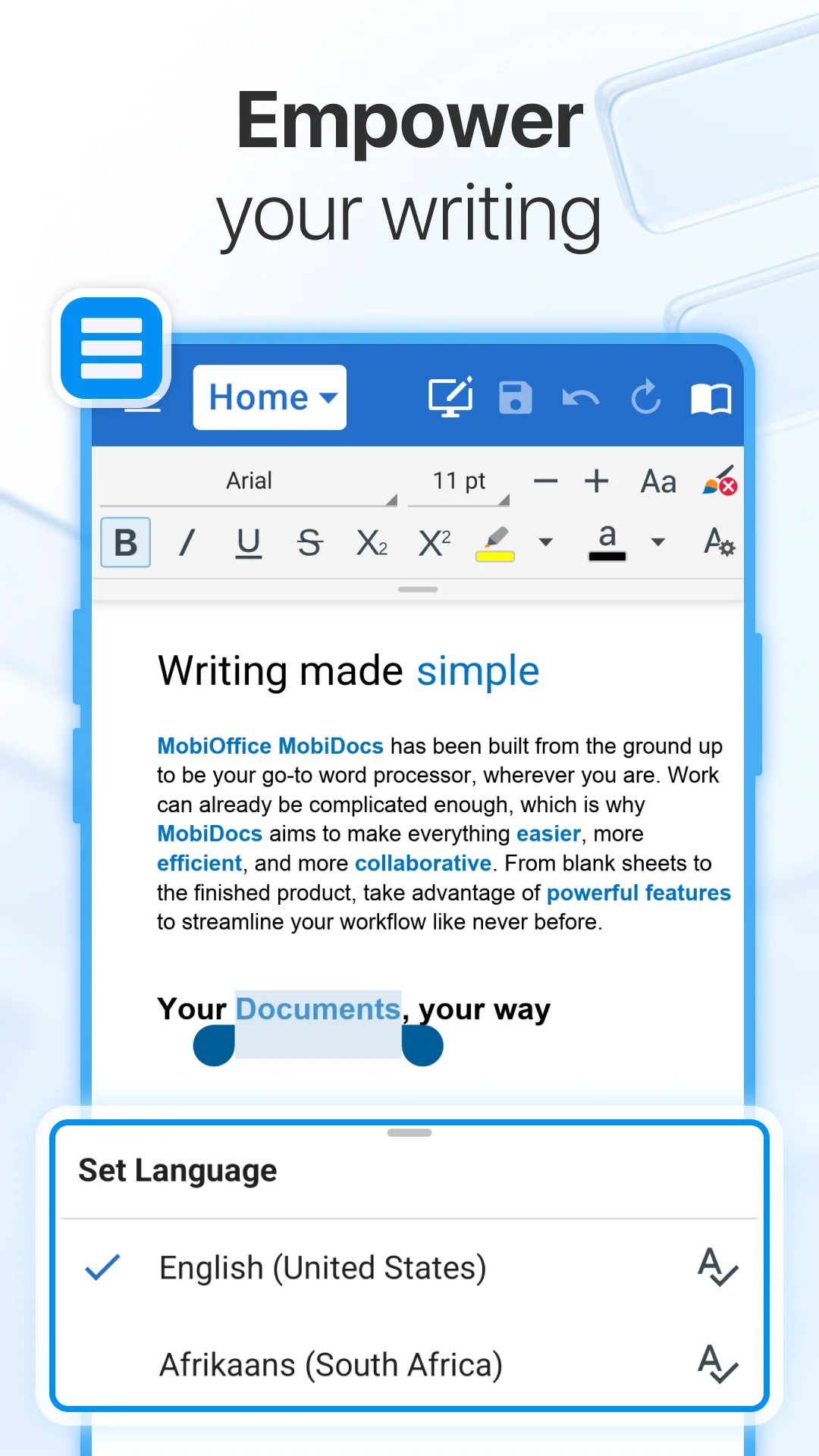
A new version of MobiOffice (formerly OfficeSuite) has appeared on the Google Play Store, and the change log points to a focused improvement in how you move through documents.
The update text describes "View mode navigation in PDF & Docs - Switch views or share your doc quickly." That's the headline feature, and based on the available sources, it seems to be the main addition in this release.
The public support pages for MobiOffice on iOS mention a "View Mode Menu in MobiDocs" that lets you switch views, jump between pages, or share your document. That came in release 12.6 on Apple's platform. The Android version appears to be catching up with something similar, though the exact implementation may differ.
The Android-specific release notes from version 11.1 mentioned starting slideshows in view mode and opening documents in Web view by default. This new update seems to build on that foundation, giving users more control over how they interact with files once they're open.
I've spent enough time in mobile office apps to know that view mode navigation is one of those things you don't think about until it's done poorly. Jumping between pages in a PDF on a phone screen can be frustrating. If MobiOffice has streamlined that, it's a genuinely useful quality-of-life improvement.
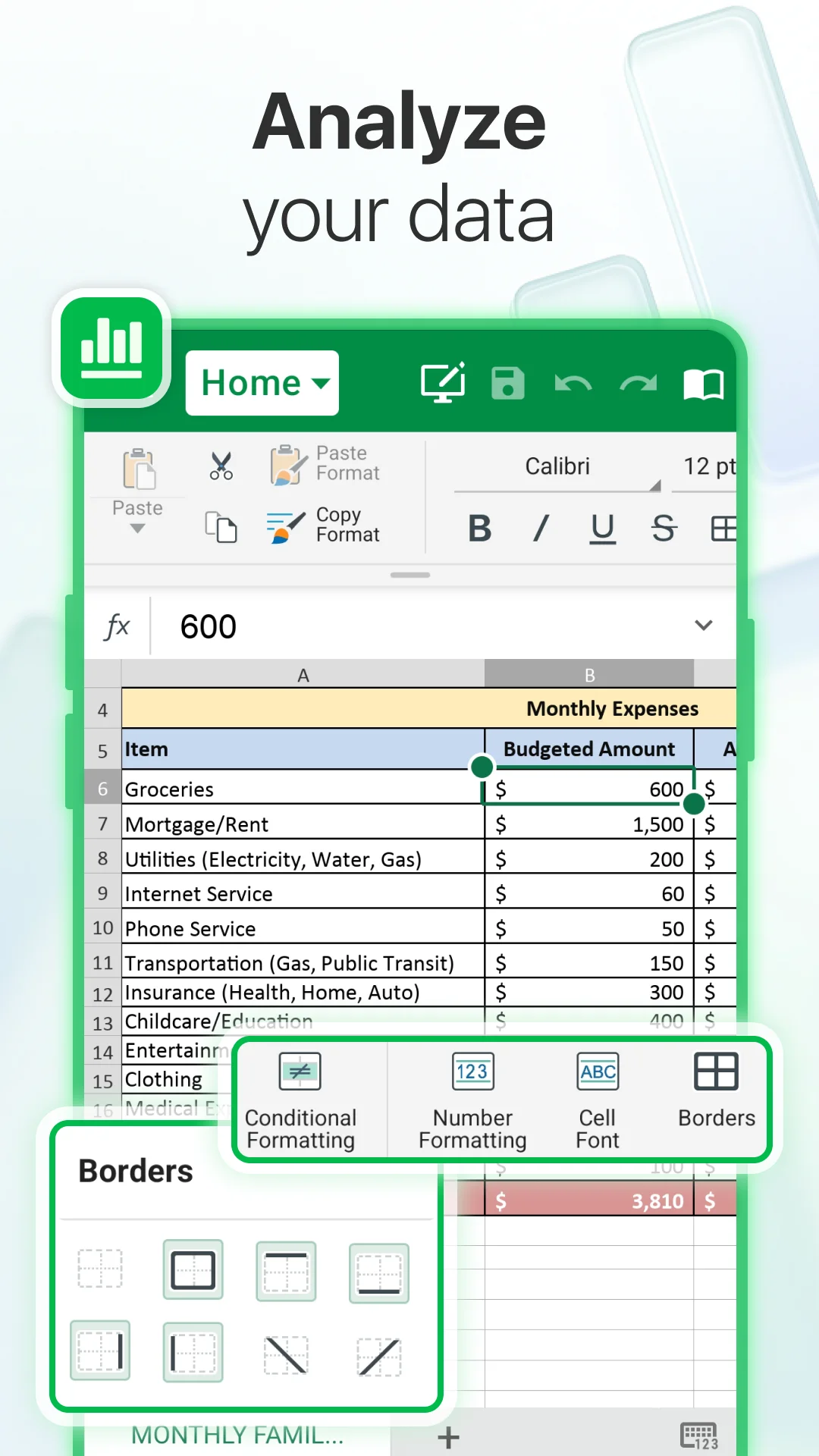
The sources also point to new Sheets templates, specifically "two" templates for financial management according to the iOS release notes. Whether those made it into this Android build isn't entirely clear from the available evidence, but it's worth checking if you use the spreadsheet component regularly.
The Windows version of MobiOffice got a "new document layout" that fixes "multiple real world issues with file visualization." That's a separate platform update, but it suggests the team is actively working on the document viewing experience across all their apps.
This isn't a revolutionary update. It's the kind of incremental improvement that keeps a productivity app competitive. The view mode change is practical, and if you frequently switch between reading and editing documents on your phone, you'll probably notice the difference.
The update appears to be rolling out now on Android. As always with server-side features, you might not see every change immediately after updating. Give it a day or two.
For a free office suite that handles Word docs, Excel sheets, and PDFs, these small refinements add up. I'd rather see focused updates like this than a bloated release that tries to do everything at once.
Over the last 60 days, PixelTrack observed changes in estimated installs, rating, rating count and review count. The table compares the earliest recorded changed value with the latest observation.
| Metric | Earlier value | Latest value | Change | Latest change |
|---|---|---|---|---|
| Estimated installs | 224,560,150 | 224,903,475 | +343,325 | Aug 5, 2026 |
| Rating | 4.34 | 4.38 | +0.04 | Aug 6, 2026 |
| Rating count | 1,474,400 | 1,479,561 | +5,161 | Aug 6, 2026 |
| Review count | 24,635 | 24,651 | +16 | Aug 5, 2026 |
View mode navigation in PDF & Docs - Switch views or share your doc quickly.
View mode navigation in PDF & Docs - Switch views or share your doc quickly.
Explore Mobile Apps
0 monitored apps
Apps matching “”
0 apps found
Paste its Google Play URL or enter the Android package name.
My watchlist