

PixelTrack
Loading app data…
Evernote - Note Organizer icon

Evernote - Note Organizer

com.evernote · Evernote by Bending Spoons

Current version ?
11.27.3
Rating
3.5 ★★★★★197,339 reviews
Downloads
100,000,000+Google Play range
Monetization
Last tracked

Evernote - Note Organizer New Features & Updates

Image Captions and Smarter Date Insertion

Evernote has released a new version with two confirmed user-facing features: image captions and natural language date insertion.

Image Captions

Users can now add captions to images in their notes, making those images searchable. Evernote will automatically suggest a caption for each image, and users can edit the suggested caption at any time. This feature turns image captions into searchable metadata, improving the ability to locate images within notes.

Natural Language Date Insertion

Evernote now supports date mentions using natural language. Users can type "@" followed by phrases such as "tomorrow," "next Friday," or "1st January" to insert the corresponding date. This feature reduces the friction of manually typing full dates during note-taking.

Context from Public Sources

Evernote's public product updates and blog posts have documented a broader focus on AI-assisted features and search improvements. The company's 2025 recap noted over 160 enhancements delivered during the year, with emphasis on search and organization capabilities. The v11 release earlier this year introduced AI Assistant, Semantic Search, and AI Meeting Notes as preview features for paying customers.

The image caption suggestion feature relies on automated captioning technology, consistent with Evernote's stated investment in AI features. The date insertion via "@" builds on the slash command system introduced in earlier updates, providing a more intuitive method for date entry.

These features are detected in the version field of the app listing, indicating a client-side update that requires users to update the application to access them. No platform restrictions or rollout timing details are mentioned in the update text.

Previous updates1 article

July 2026

Evernote’s latest release brings a handful of practical refinements rather than any sweeping redesign. Based on the available release notes, the update appears to focus on three areas: audio playback, AI Assistant behavior, and highlighter customization.

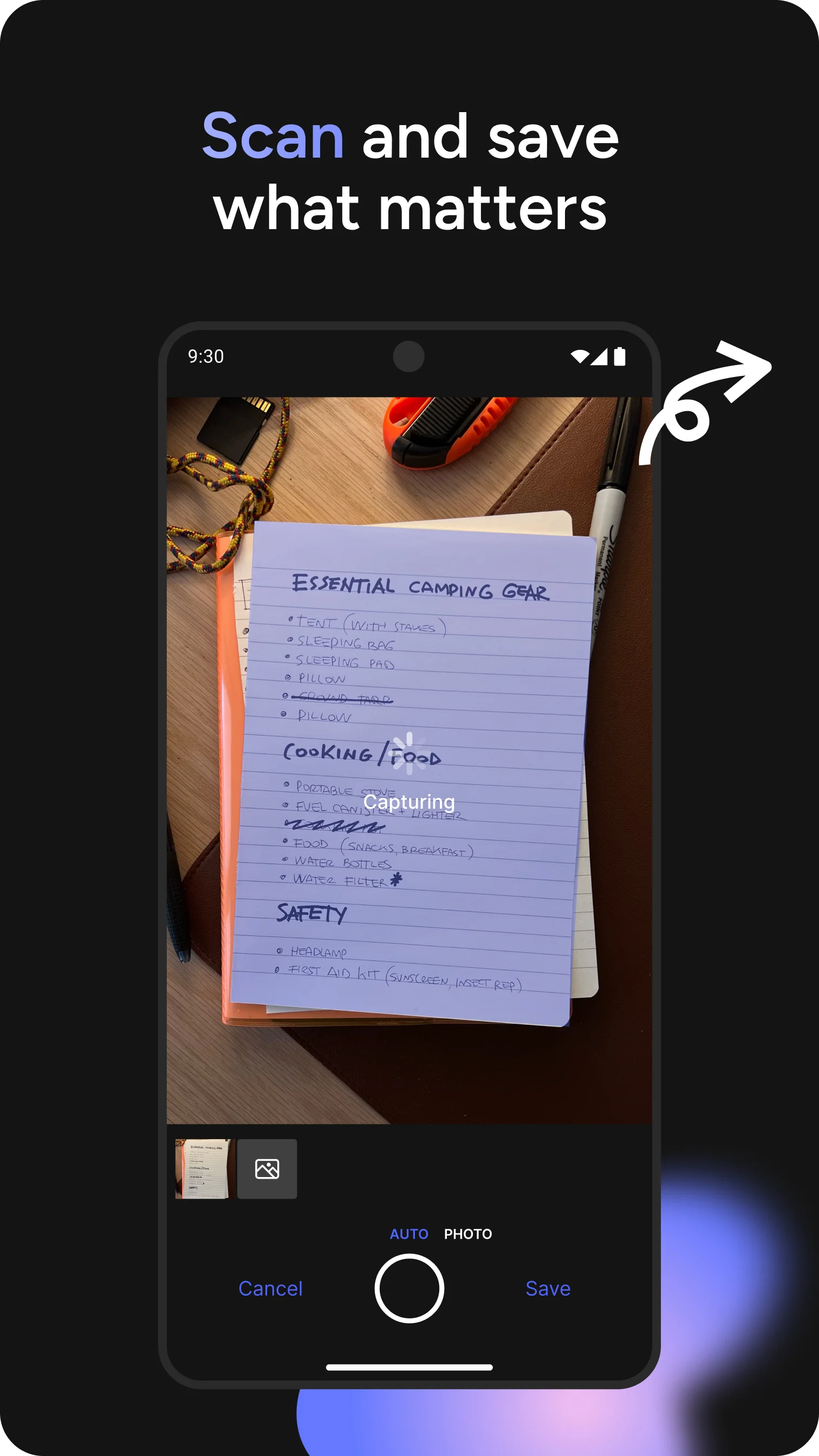
The audio player now displays recording length directly. This is a small but welcome change for anyone who has ever wondered how long that meeting recording actually is before hitting play. Previously, you had to guess or check file properties. Now it’s right there in the player.

The AI Assistant gets two notable improvements. Search handling has been improved, though the release notes don’t specify exactly how. Given that Evernote’s AI Assistant has sometimes struggled to find the right note among thousands, any search refinement is worth paying attention to. More concretely, the AI Assistant can now insert images you upload in chat directly into your note. This closes a workflow gap: you used to upload an image to the chat, then have to manually drag it into your document. Now it’s a single step.

There’s also a new preference for highlighter colors. You can choose between Pastel and Bright options in Settings > Preferences > Notes. This is cosmetic but meaningful for heavy annotators who have strong feelings about whether their highlights should scream or whisper.

The expanded emoji set is what it sounds like. More emoji. If you’re the type who communicates in skulls and sparkles, you’ll be pleased.

These changes land in the context of a busy year for Evernote. The company shipped v11 in January and has been steadily adding features since. The 115+ improvements mentioned in their mid-year recap include live transcription, tabs, and AI prompts. This latest update feels like a maintenance polish rather than a headline feature drop.

What’s interesting is what’s not here. No mention of the transcription improvements that were a big part of v11. No new AI Memory features. The update is focused on smaller quality-of-life fixes.

My take: the audio player length display and AI image insertion are the genuinely useful additions. The highlighter colors are nice if you care about that sort of thing. The search improvement is the one I’d want to test before celebrating — “improved search handling” can mean anything from a minor tweak to a meaningful overhaul.

As always with server-side features, some of these may roll out gradually. The release notes are public, but actual availability can lag depending on your platform and region.

Metrics trends

Over the last 60 days, PixelTrack observed changes in estimated installs, rating, rating count and review count. The table compares the earliest recorded changed value with the latest observation.

MetricEarlier valueLatest valueChangeLatest change
Estimated installs378,281,070378,368,532+87,462Aug 6, 2026
Rating3.523.51-0.01Aug 6, 2026
Rating count1,848,2191,848,037-182Aug 6, 2026
Review count197,337197,341+4Aug 6, 2026

Evernote - Note Organizer Changelog

3 changes

Version 11.27.3 Update

What’s new

New features: - Audio recording now continues when you leave a note. - Choose between Pastel and Bright highlighter palettes in Settings > Notes. Bug fixes: - Fixed the Add Calendar Account button appearing misaligned. - Fixed a bug where simplify formatting was not properly working.

Version 11.26.3 Update

What’s new

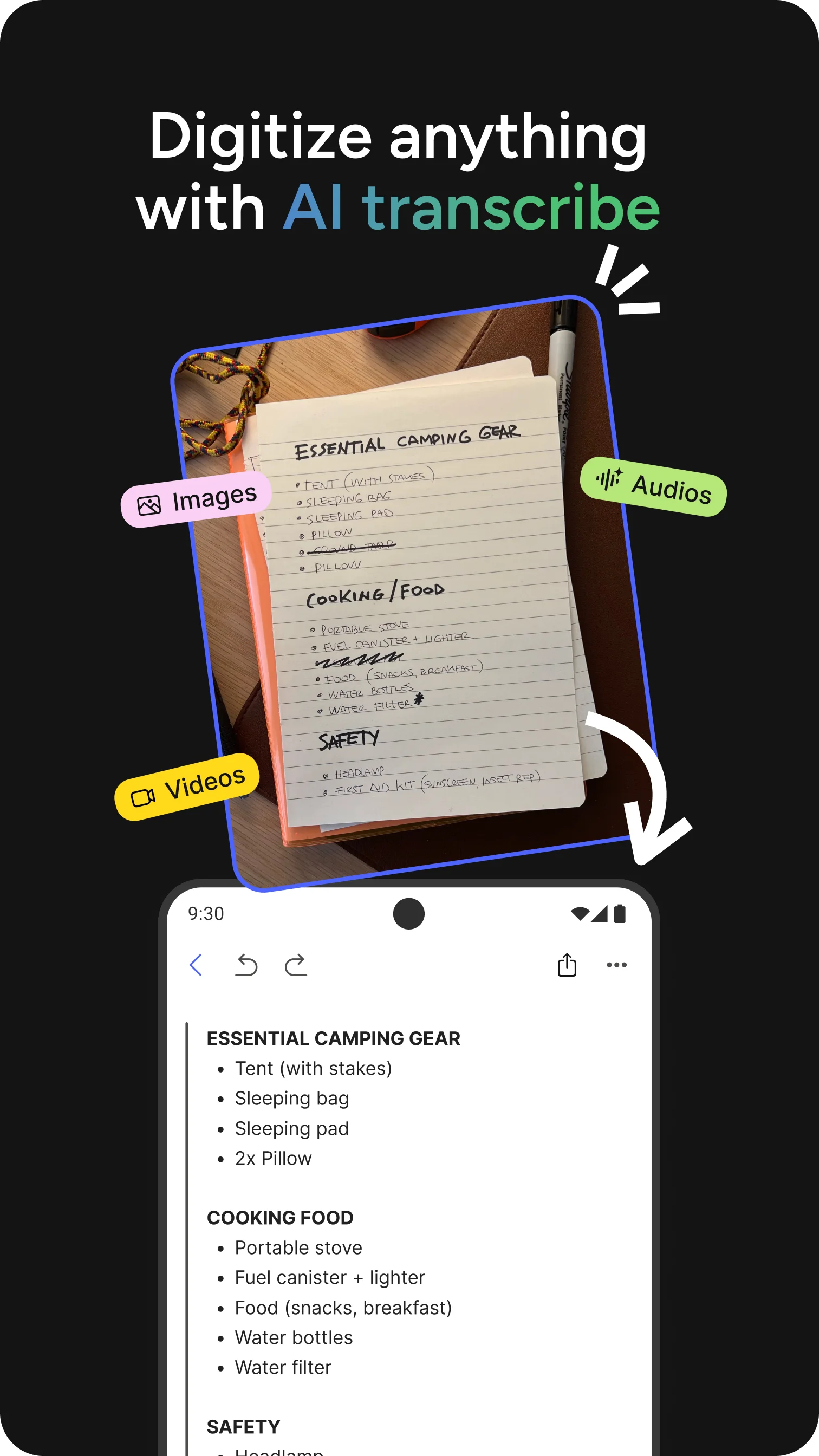
New features: - Add captions to your images to make them searchable. Evernote will suggest a caption for you, and you can edit it anytime. - Date mentions are now available. Type @ to insert dates using natural language like "tomorrow", "next Friday", or "1st January". Supports relative dates, and you can customise the display format. - Videos are now transcribed like audio with speaker recognition. - Hand a live transcription to the AI Assistant to get a summary or ask additional questions.

Version 11.25.6 Update

What’s new

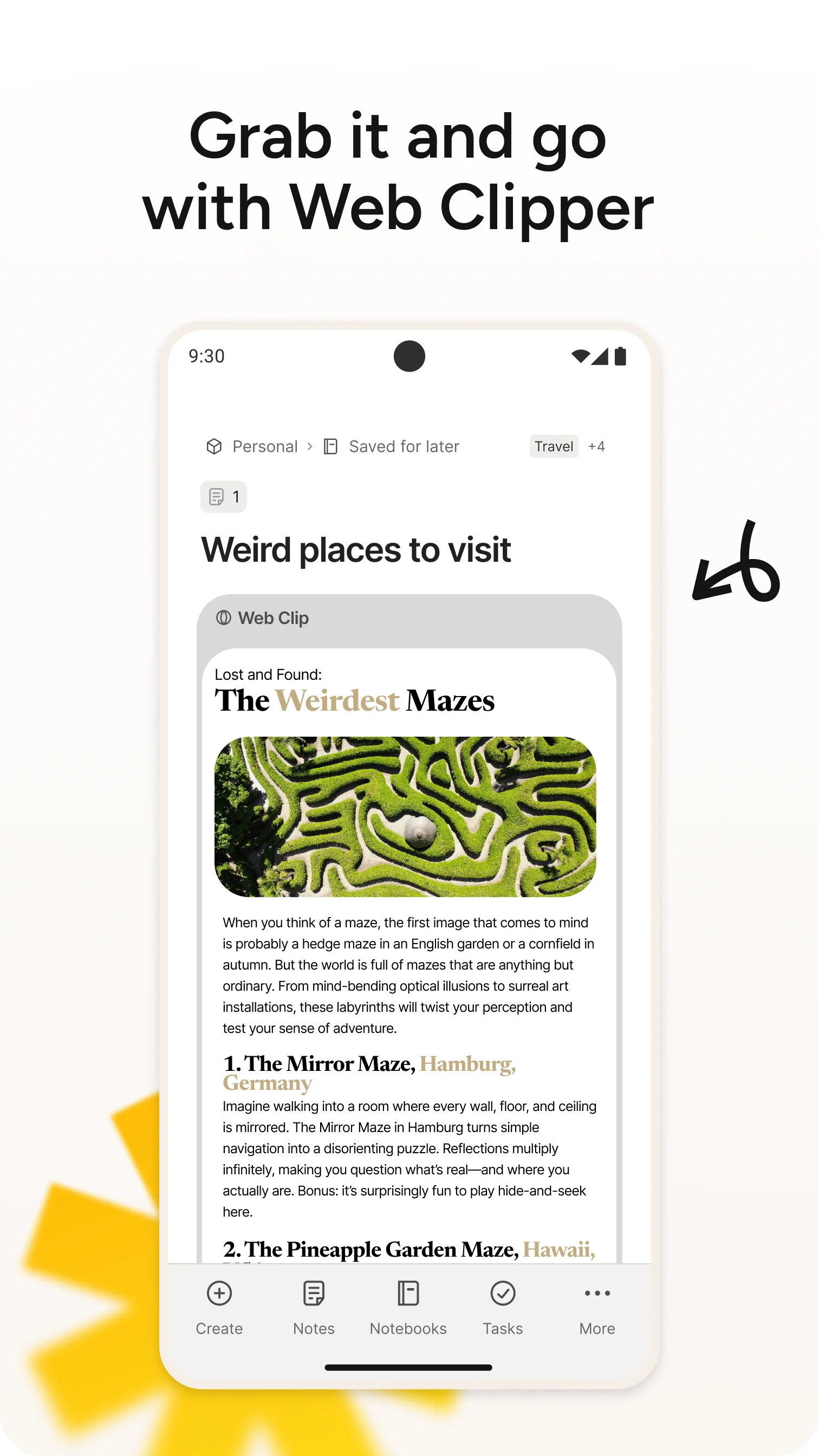
Features: - The audio player now shows the recording length. - Improved the search handling by the AI Assistant. - The AI Assistant can now insert images you upload in chat directly into your note. Fixes: - Fixed image resize from the top-left corner. - Fixed empty web clips on some sites (e.g. Substack).