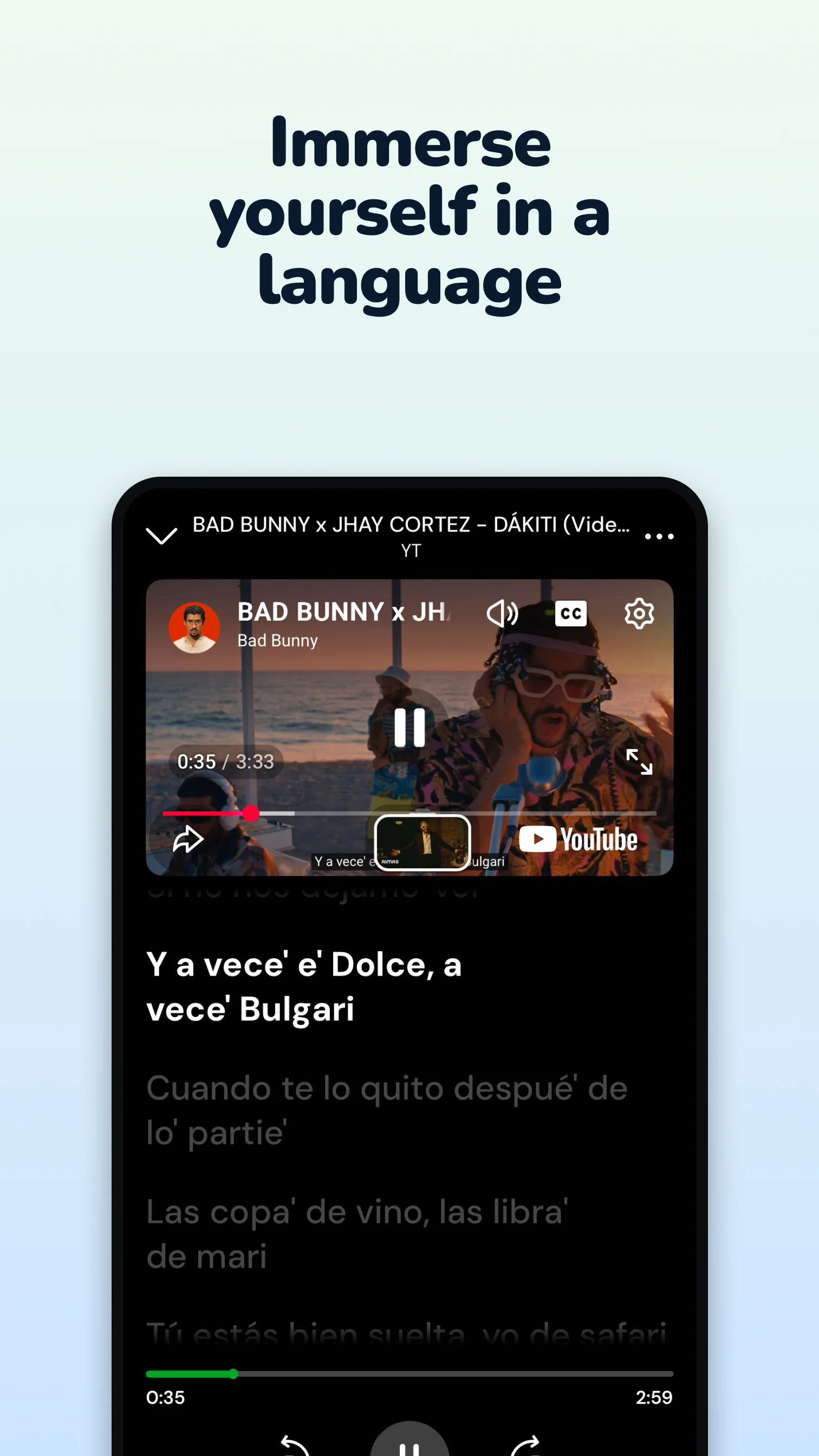
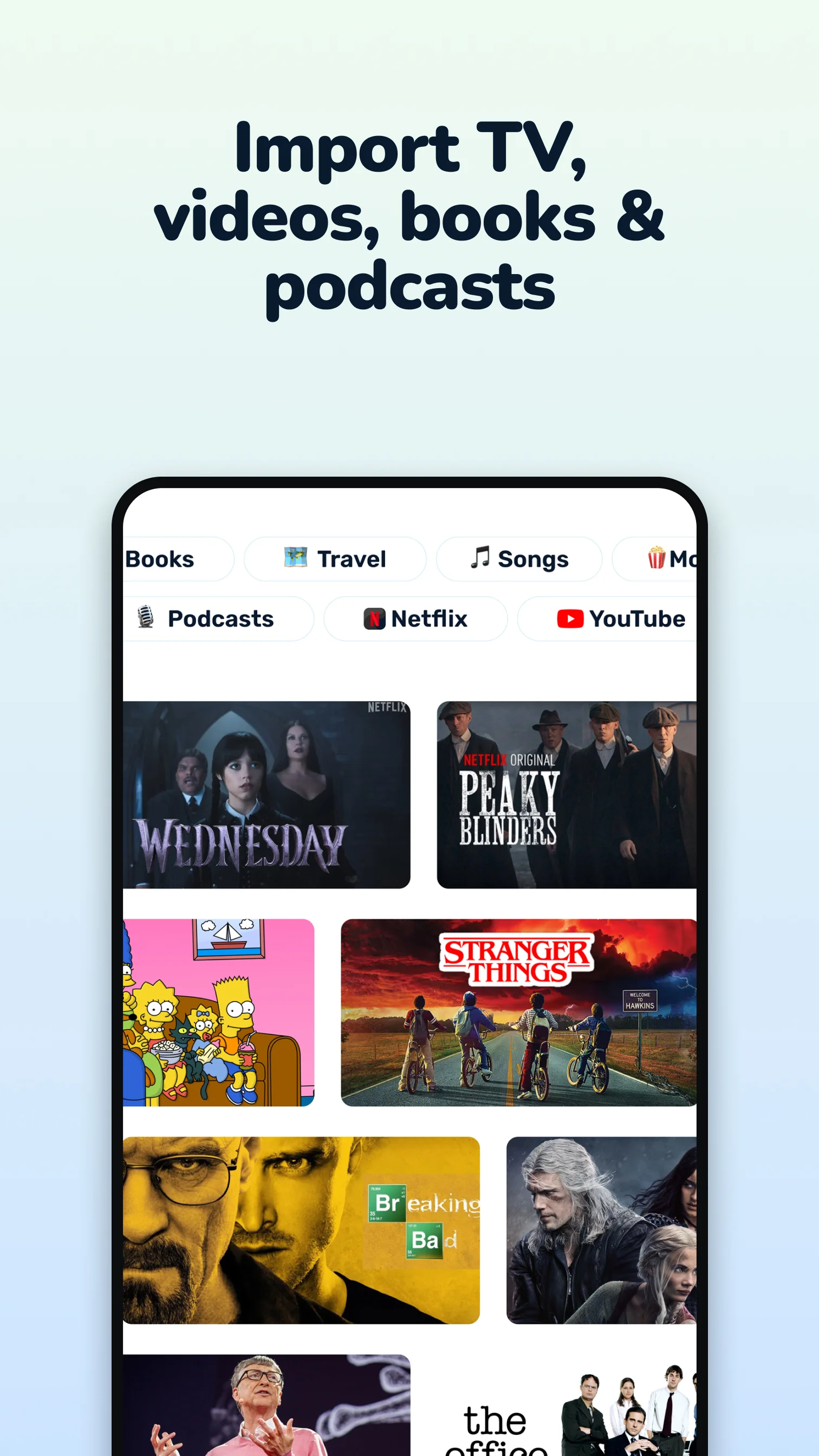
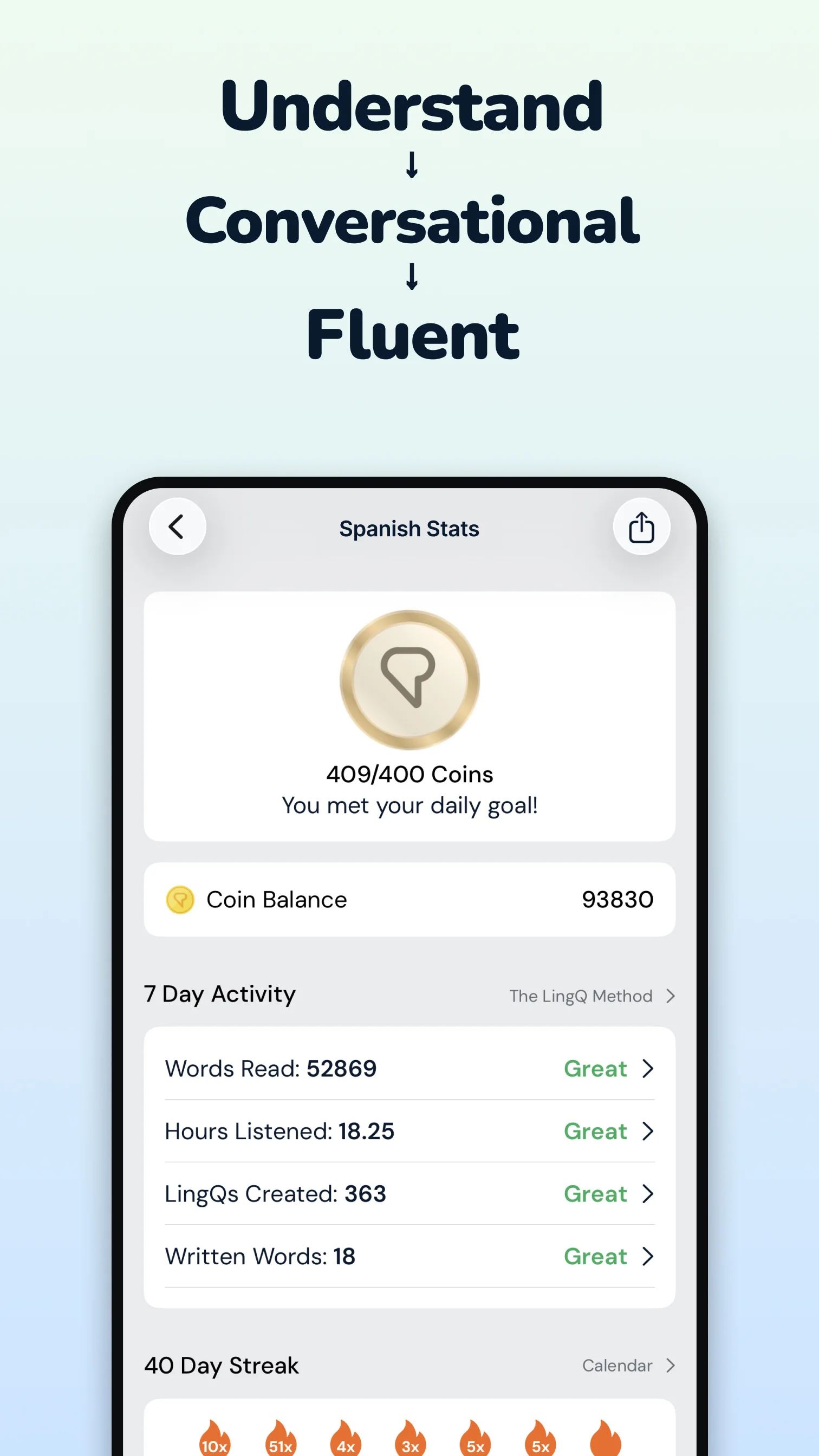
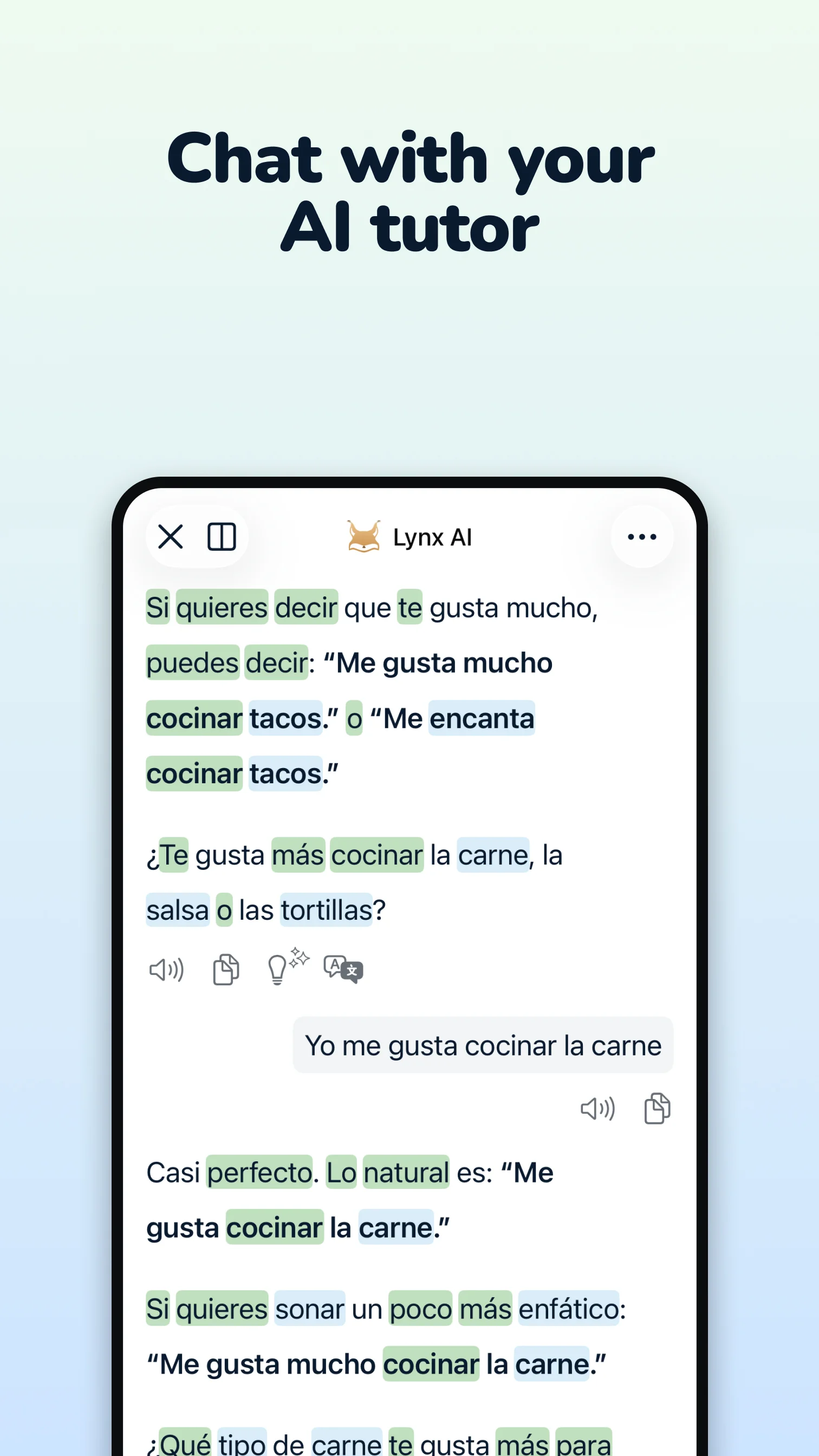
In the analyzed reviews, LingQ stands out as a reading- and listening-centered environment rather than a conventional step-by-step course. Users value tapping words for instant meanings, tracking vocabulary, combining text with audio, and importing personally relevant books, articles, subtitles, and recordings. Long-term subscribers often report substantial comprehension gains, especially after acquiring basic grammar elsewhere. The main barrier is the free tier: reviewers repeatedly say the 20-word allowance is exhausted almost immediately and leaves core dictionary functions inaccessible. The interface is also widely described as complex, while translation, word segmentation, highlighting, playback, and community-content quality vary by language and lesson. LingQ is therefore best supported by the review evidence for motivated intermediate learners willing to pay and manage their own input-rich curriculum.
What users like
Reading with instant vocabulary lookup Users frequently praise the ability to read target-language material, tap unfamiliar words for meanings, and track known or learning vocabulary without leaving the text.
Combined reading and listening input Synchronized text, natural narration, stories, articles, podcasts, and videos are valued for building comprehension through sustained exposure.
Importing personal content Many subscribers value importing books, articles, subtitles, audio, or lyrics so they can learn from material that matches their interests.
Vocabulary tracking and review Saved words, familiarity states, flashcards, statistics, and repeated encounters help users focus on unknown vocabulary and measure reading progress.
Common concerns
Free tier becomes unusable after 20 saved words The dominant complaint is that the small lifetime LingQ allowance is consumed during the tutorial or first lesson, after which dictionary and vocabulary functions require premium.
Cluttered and confusing interface Reviewers frequently describe the app as overwhelming, clunky, or difficult to navigate, especially when resuming lessons, organizing courses, reviewing words, or learning the LingQ workflow.
Translation, segmentation, and audio errors Reports include incorrect dictionary suggestions, poor Japanese word breaks, wrong furigana, mishandled compounds, mismatched audio, and errors in user-contributed content.
Reader and playback bugs Users encounter unreliable highlighting, lessons that do not load, audio sync or playback failures, lost position, and glitches after reader updates.
Based on 500 Google Play reviews · Updated Aug 29, 2026
Over the last 60 days, PixelTrack observed changes in estimated installs, rating, rating count and review count. The table compares the earliest recorded changed value with the latest observation.
Metric
Earlier value
Latest value
Change
Latest change
Estimated installs
2,777,999
2,836,725
+58,726
Oct 27, 2026
Rating
4.53
4.51
-0.02
Oct 27, 2026
Rating count
50,344
50,971
+627
Oct 27, 2026
Review count
1,836
1,847
+11
Oct 27, 2026
LingQ | Learn Languages Changelog
4 changes
↑
Version 6.2.1 Update
What’s new
What's new:
• Lessons from long videos play only their part, and playlists keep each video's position
• Redesigned import screen, with more reliable voice recording and lesson imports
• Phrase transliteration covers every word, and Japanese speaking scores treat kanji, kana and numbers alike
• Fixes for known word counts, the archive and widgets
$
In-app purchase price changed
In-app purchase price: $14.99 - $269.99 per item → $4.99 - $269.99 per item
▣
Screenshots changed
Screenshots: 24 → 24 images
↑
Version 6.2.0 Update
What’s new
What's new:
• Archive lessons, courses, and playlists — restore them any time
• Lynx AI chat: redesigned start page with suggestions, and its own font settings
• Reader: more reliable contextual meanings, clearer phrases, smoother text rendering
• Audio and video: playback speed and mode switching fixed
• Library: faster course opening
• Video imports and tag search fixed
• Book Challenges support multiple books
• Other bug fixes and stability improvements