OneDrive App Adds Themed Memories Tab, Multi-Page Scanning, and Camera Backup Fix
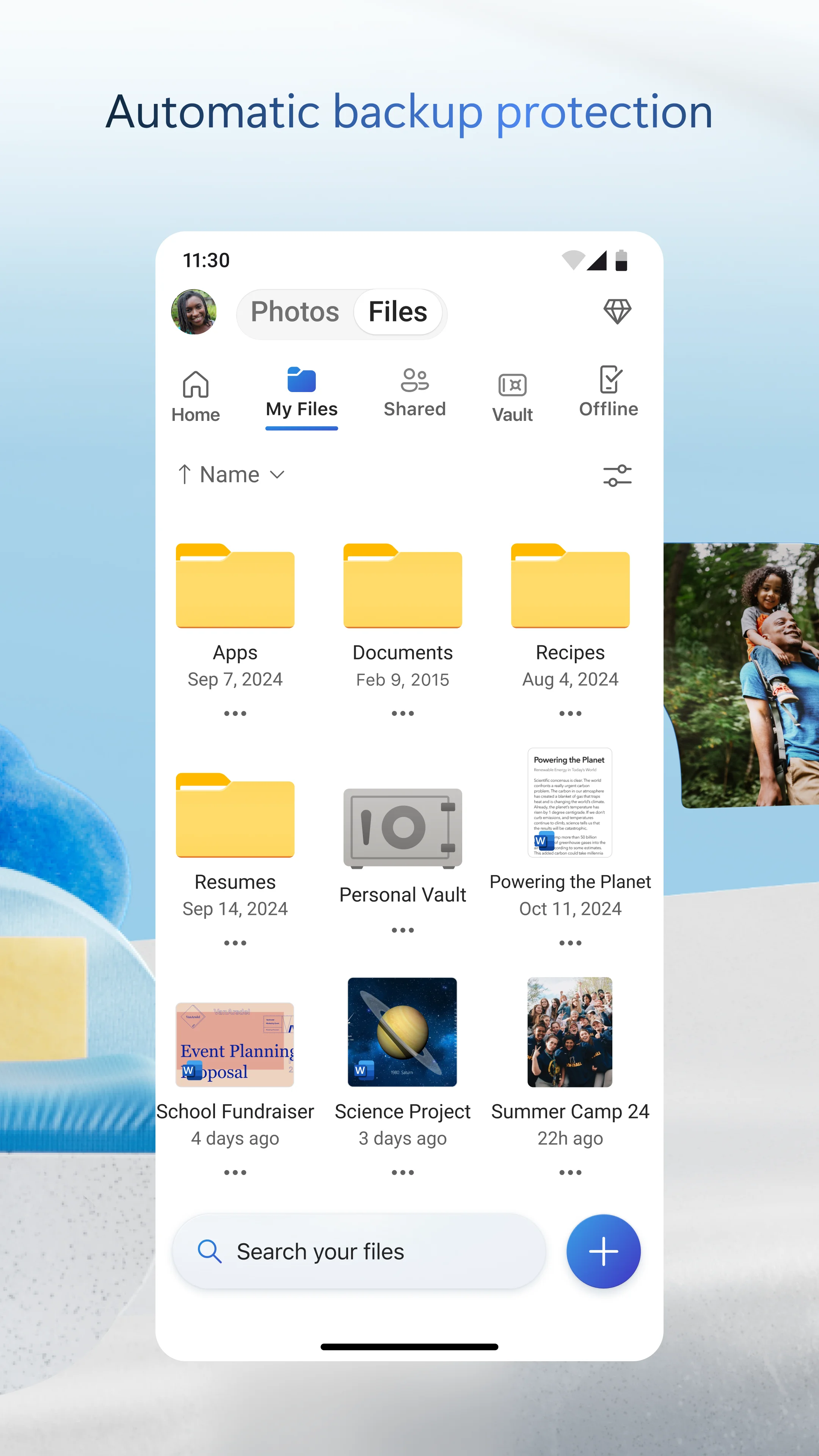
Microsoft's OneDrive app has released several photo-focused updates, including a redesigned Memories tab, expanded scanning capabilities, and a camera backup reliability fix.
Memories Tab Organizes Photos by Theme
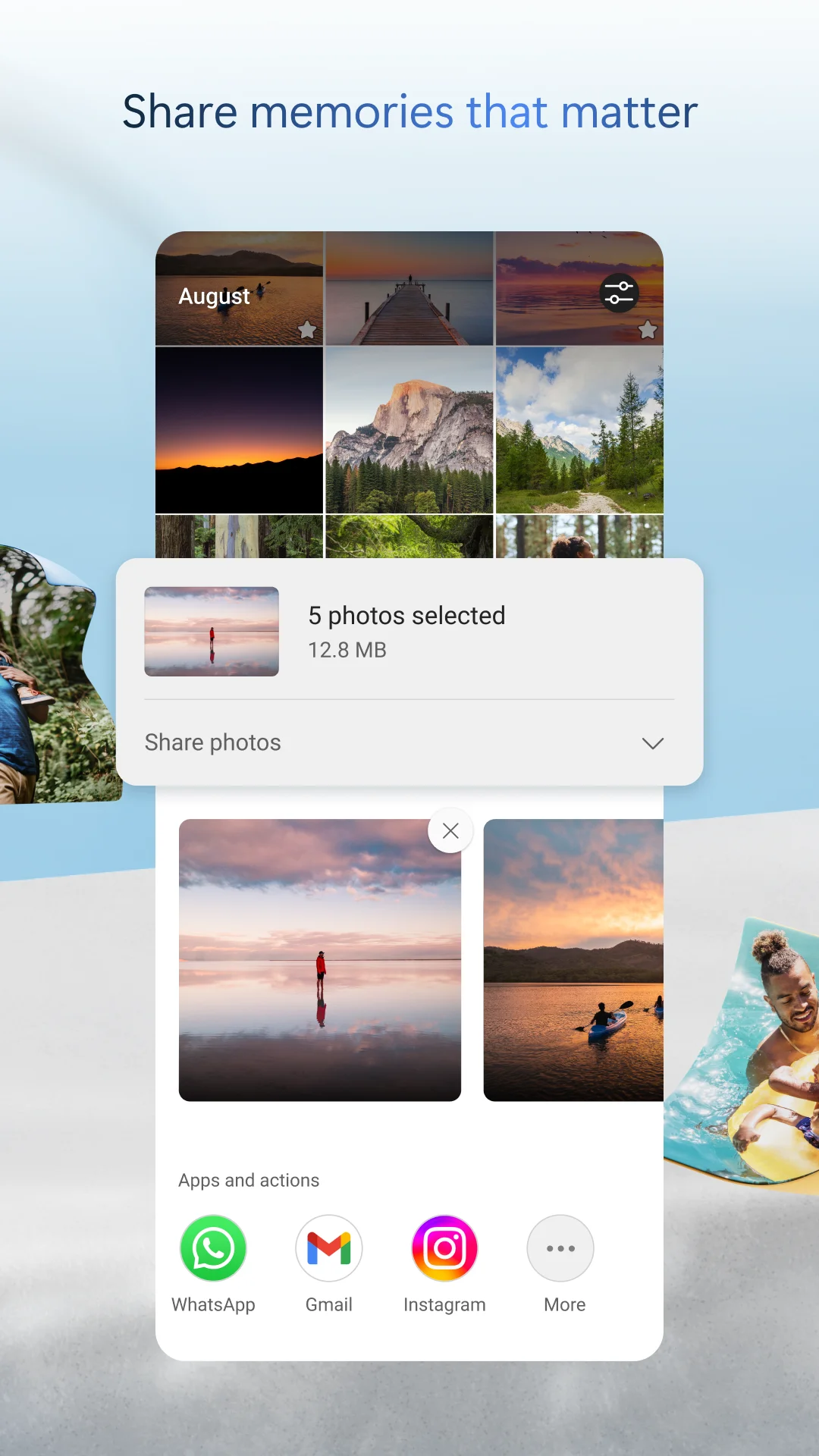
The Memories tab now groups photos by theme, such as trips, seasons, and people. Microsoft's support documentation describes a "customizable Gallery" that helps users browse memories faster, with date overlays appearing on the scroll bar as users scroll through their library. This replaces the previous chronological-only view, allowing users to find photos based on where they were taken, what is in the photo, and whether it is a video, screenshot, or document.
Multi-Page Scanning Supports Up to 50 Pages
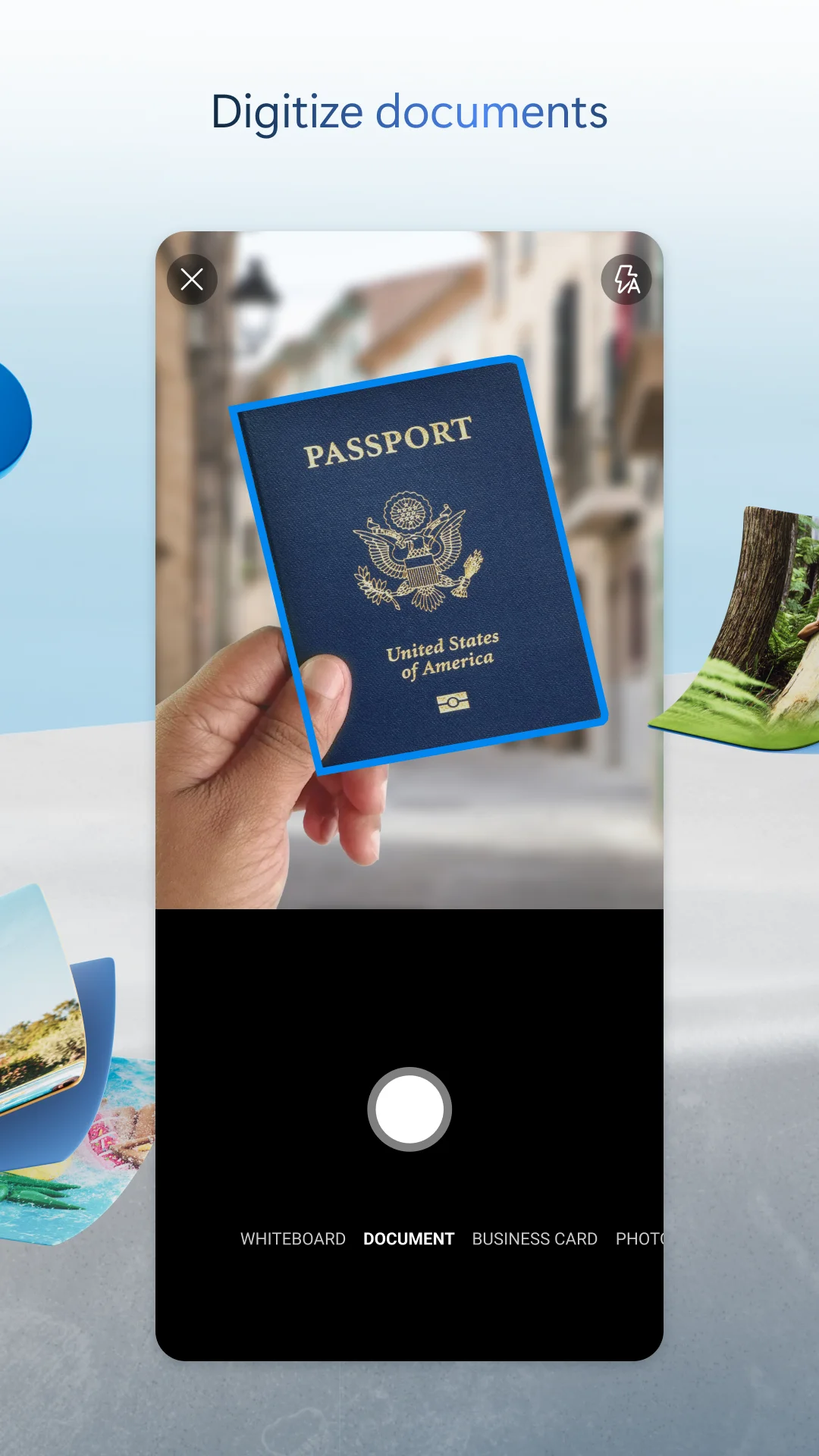
The scanner now supports scanning up to 50 pages in a single session. This is an increase from the previous limit, enabling users to digitize longer documents such as contracts, receipts, or handwritten notes without splitting the work into multiple batches.
Best Shot Cover for Location-Based Photos
Photos taken at the same location now display the best shot as the cover thumbnail. This change improves the browsing experience when scrolling through groups of similar images, ensuring the most visually appealing photo appears as the default thumbnail.
Camera Backup Fix
The update resolves an issue where camera backup uploaded files from the wrong folder. This fix ensures that automatic backups correctly place files in the intended folder structure, preventing unwanted screenshots or other files from appearing in organized photo collections.
Additional Changes
The OneDrive sync app release notes from Microsoft Learn also mention a refreshed OneDrive icon with a cleaner, more modern look across all devices and apps, and an offline mode process rename from "Microsoft SharePoint" to "OneDrive Sync Service" in Activity Monitor. These changes are separate from the photo features described above.