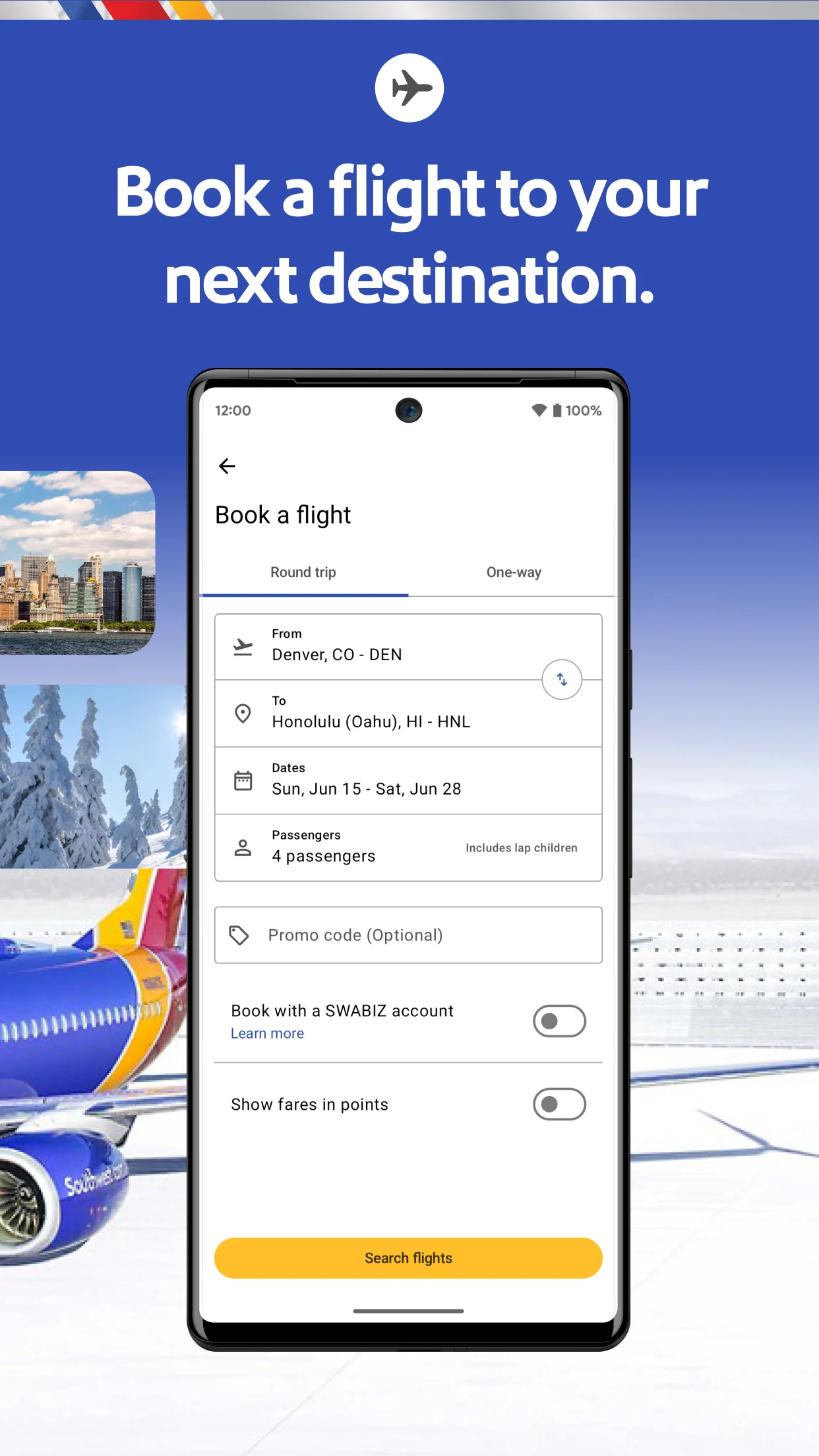
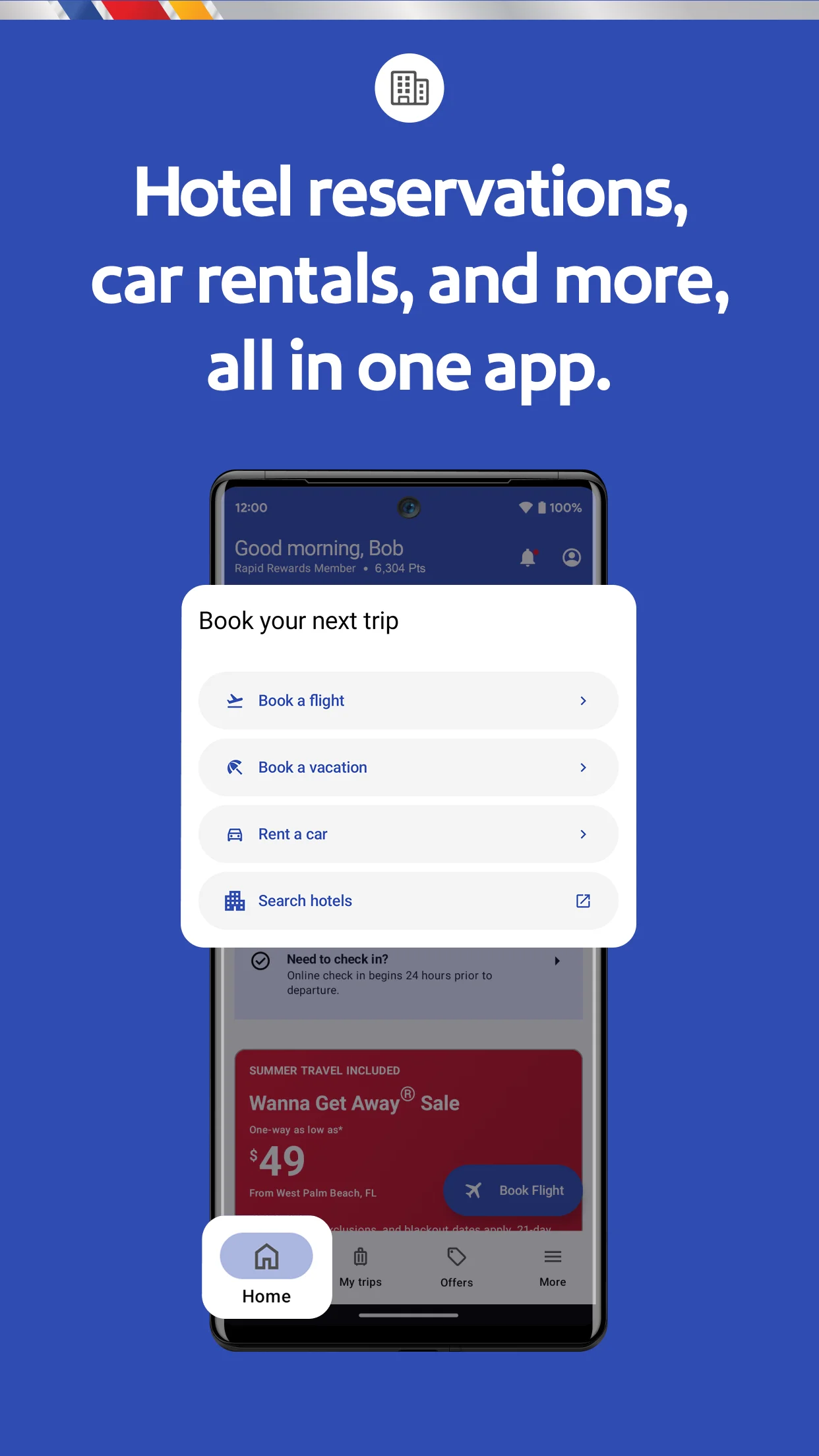
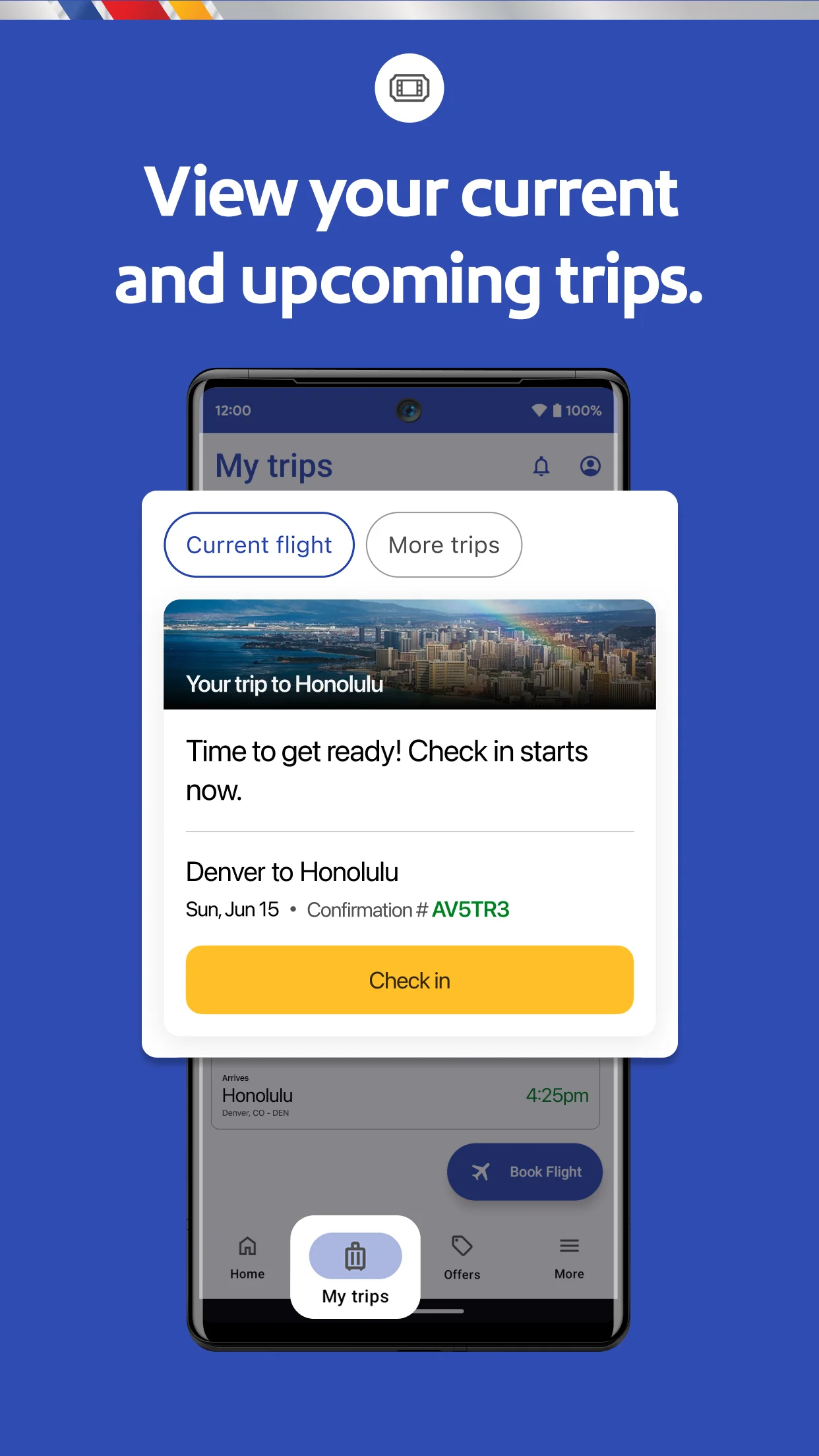
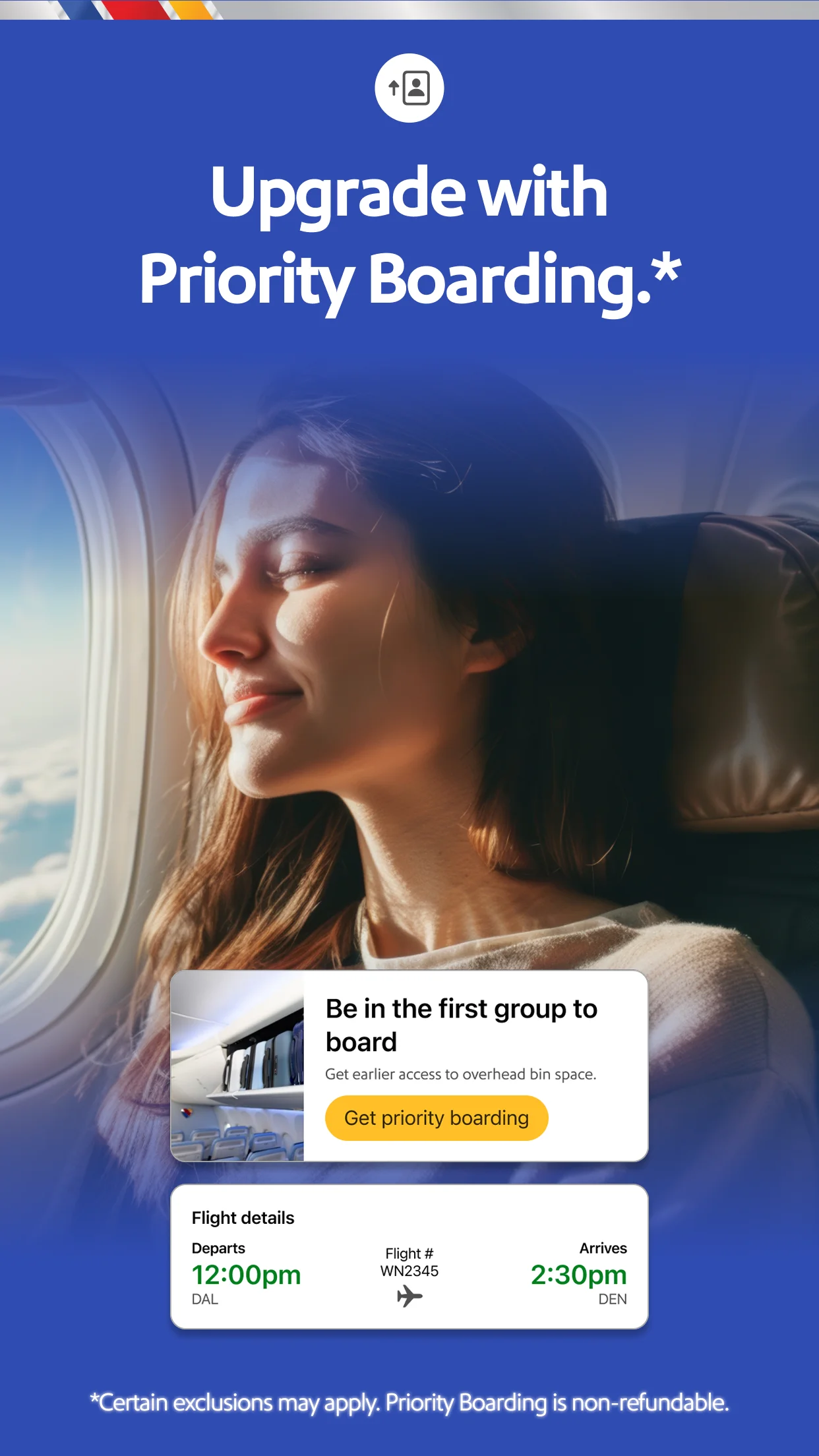
Among the reviews analyzed, the Southwest Airlines app received recurring positive feedback in the analyzed sample for its easy flight booking, mobile check-in, and access to boarding passes, which multiple sampled reviews find convenient. A recurring strength is the ability to manage flights and track status on the go, especially for frequent flyers. However, a recurring complaint is difficulty accessing boarding passes, often requiring re-entry of confirmation numbers or facing app freezes. Some sampled reviews reported flights not appearing under 'My Trips', leading to manual lookup each time. Login issues and session timeouts were also common frustrations. The app may fit loyal Southwest customers who appreciate its integration with Rapid Rewards and travel credits, but may frustrate users who need reliable notifications or seamless third-party booking integration.
What users like
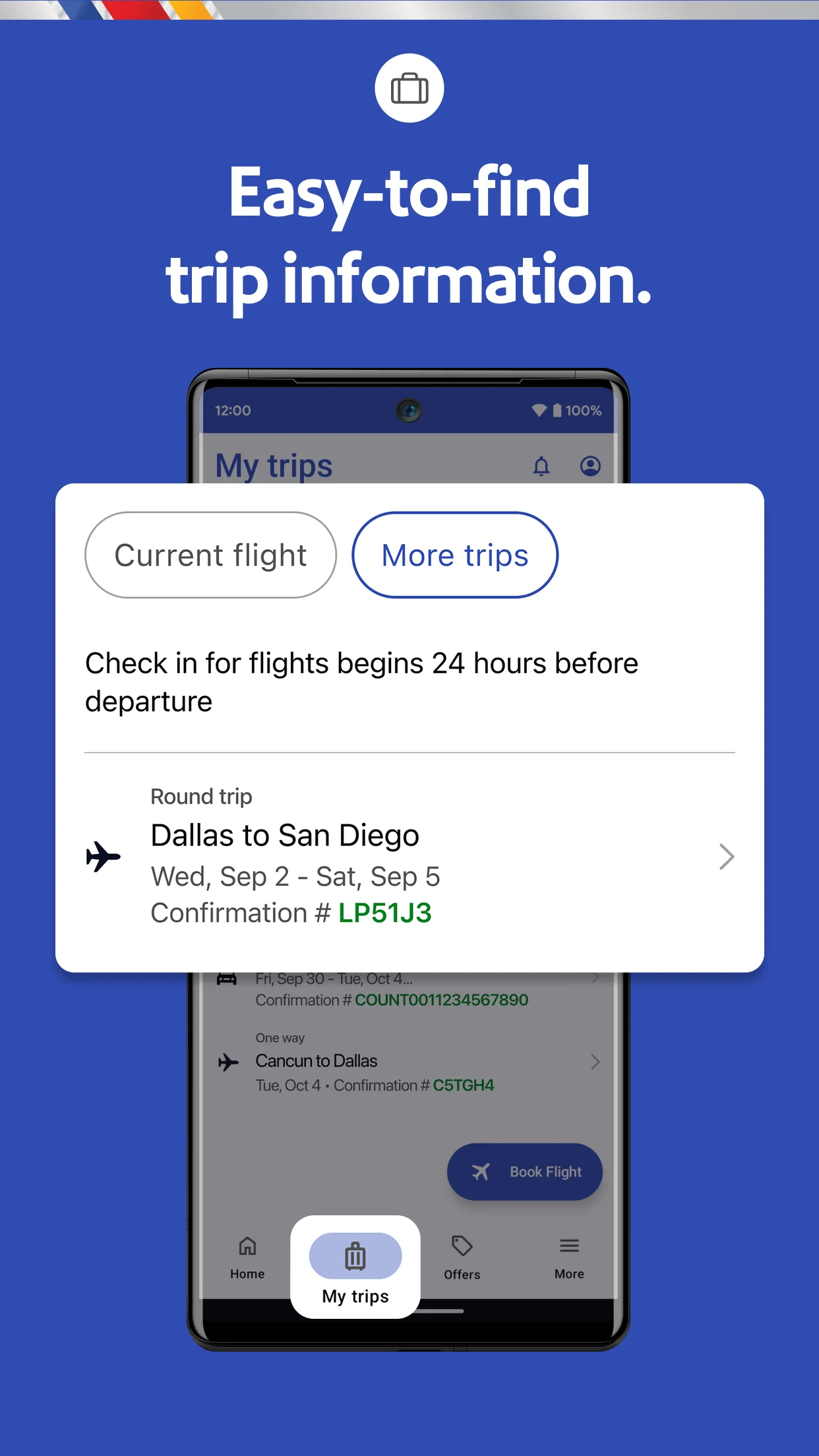
Easy mobile boarding pass and check-in Many reviews highlight the convenience of mobile boarding passes, quick check-in, and saving passes to Google Wallet, making airport processes smoother.
Reliable flight status and gate notifications Sampled reviews appreciated timely updates on flight status, gate changes, and delays, which helps them stay informed during travel.
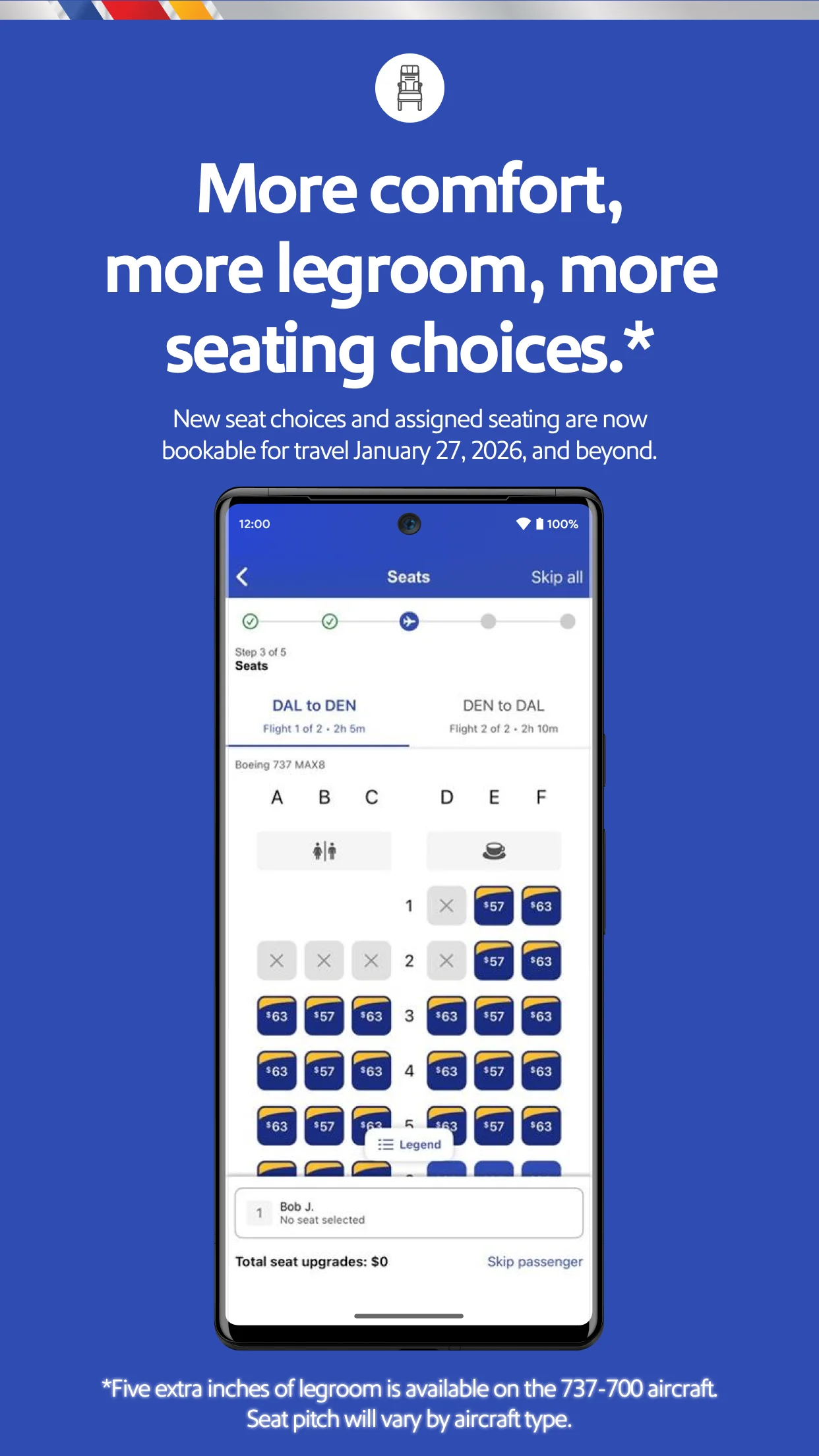
Simple flight booking and changes Reviewers find booking flights, changing itineraries, and canceling easy and user-friendly, often with upfront pricing and no penalty fees.
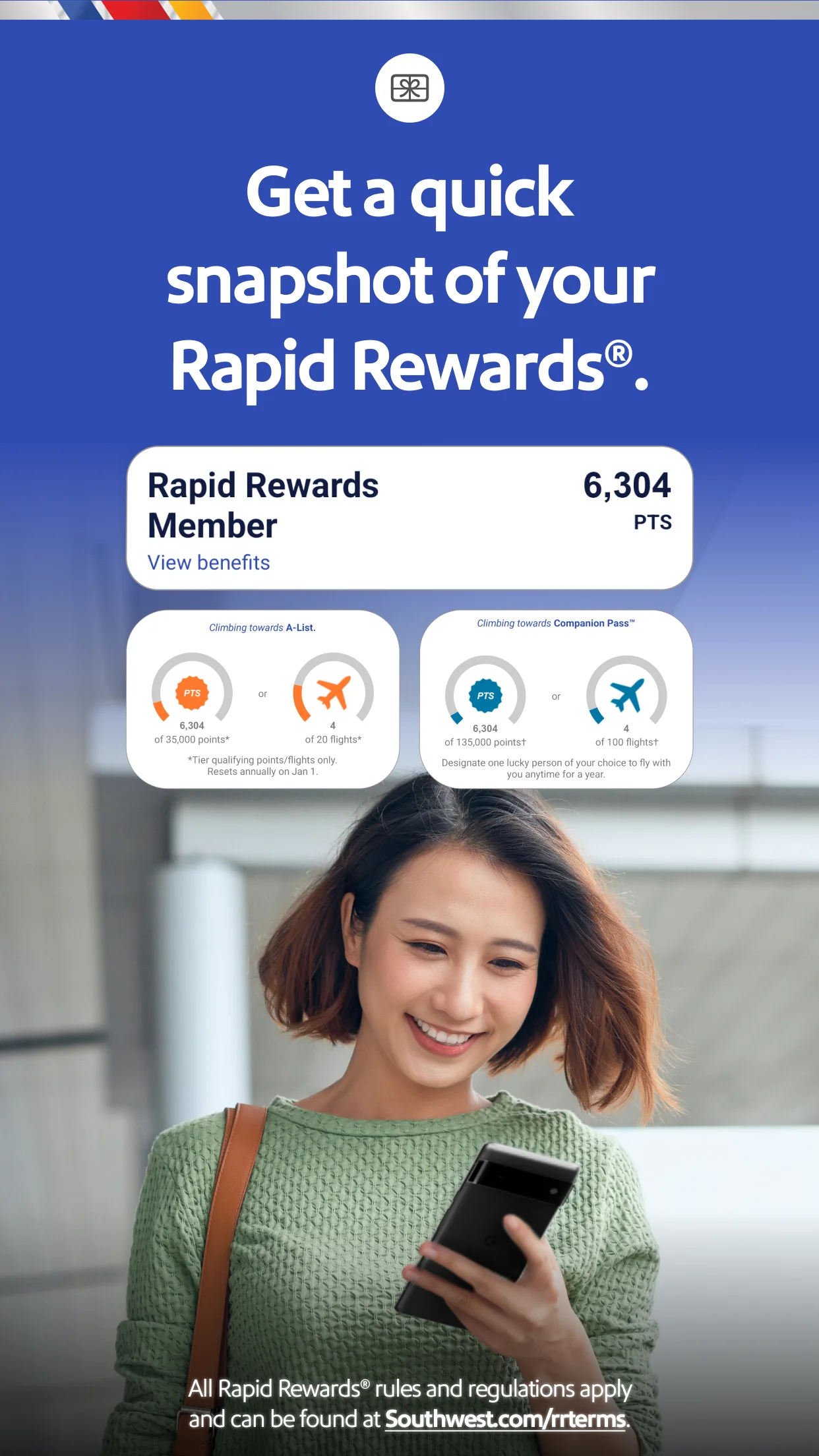
Good integration with Rapid Rewards and travel credits Multiple sampled reviews value the ability to track points, manage travel credits, and apply them to bookings seamlessly within the app.
Common concerns
Boarding pass access is cumbersome and unreliable A recurring theme is that retrieving the boarding pass is difficult: users must re-enter confirmation numbers, the app often resets, and the hazardous materials screen can block access.
Flights not saved or linked to account Multiple sampled reviews report that booked or third-party flights don't appear under 'My Trips,' requiring manual lookup each time, even after login.
Log-in issues and session timeouts Users frequently complain about being logged out, forced to re-enter credentials, or experiencing password/login errors, which is especially problematic at the airport.
App freezes, crashes, or fails to load A significant number of reviews mention the app freezing, crashing, or showing blank screens during booking or when trying to access boarding passes.
Based on 500 Google Play reviews · Updated Aug 30, 2026
Over the last 60 days, PixelTrack observed changes in estimated installs, rating, rating count and review count. The table compares the earliest recorded changed value with the latest observation.
Metric
Earlier value
Latest value
Change
Latest change
Estimated installs
23,706,513
23,918,984
+212,471
Oct 4, 2026
Rating
4.42
4.41
-0.01
Oct 4, 2026
Rating count
166,208
166,268
+60
Oct 4, 2026
Review count
59,477
59,501
+24
Oct 4, 2026
Southwest Airlines: Travel App Changelog
2 changes
↑
Version 13.19.0 Update
What’s new
We’ve updated our app with a fresh look and feel, optimized our navigation, and introduced a new enhanced day of travel experience.
↑
Version 13.18.0 Update
What’s new
We’ve updated our app with a fresh look and feel, optimized our navigation, and introduced a new enhanced day of travel experience.