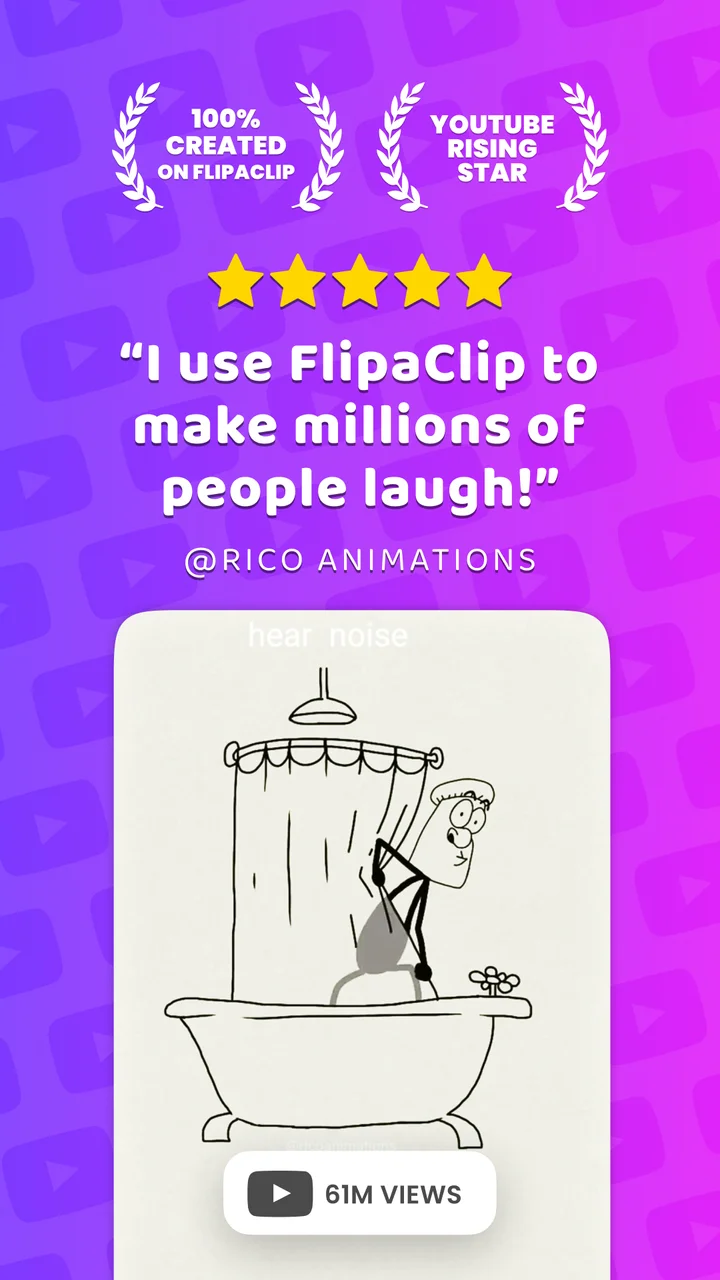
Among the reviews analyzed, FlipaClip is praised for its ease of use and beginner-friendly design, with an intuitive frame-by-frame workflow that helps newcomers create fun animations. However, a recurring theme was frustration with excessive ads and the paywalling of core features like more than three layers, custom audio import, and onion skin settings. Many long-time users reported disappointment with the shift to a subscription model, feeling that previous one-time purchases were no longer honored. Some sampled reviews also highlighted crashes and data loss, which undermined trust in the app's reliability. May fit casual animators and hobbyists, FlipaClip may frustrate advanced users or those looking for a stable, fully free tool.
What users like
Easy to use and beginner-friendly Intuitive and simple to learn, with tutorials that help novices start animating quickly.
Effective animation tools Frame-by-frame workflow, onion skin, and frame viewer make animation straightforward and enjoyable.
Fun and creative outlet Users enjoy it for personal projects, memes, and YouTube content, finding it satisfying.
Common concerns
Excessive and intrusive ads Ads appear frequently, interrupt sessions, and are often unskippable or lack close buttons.
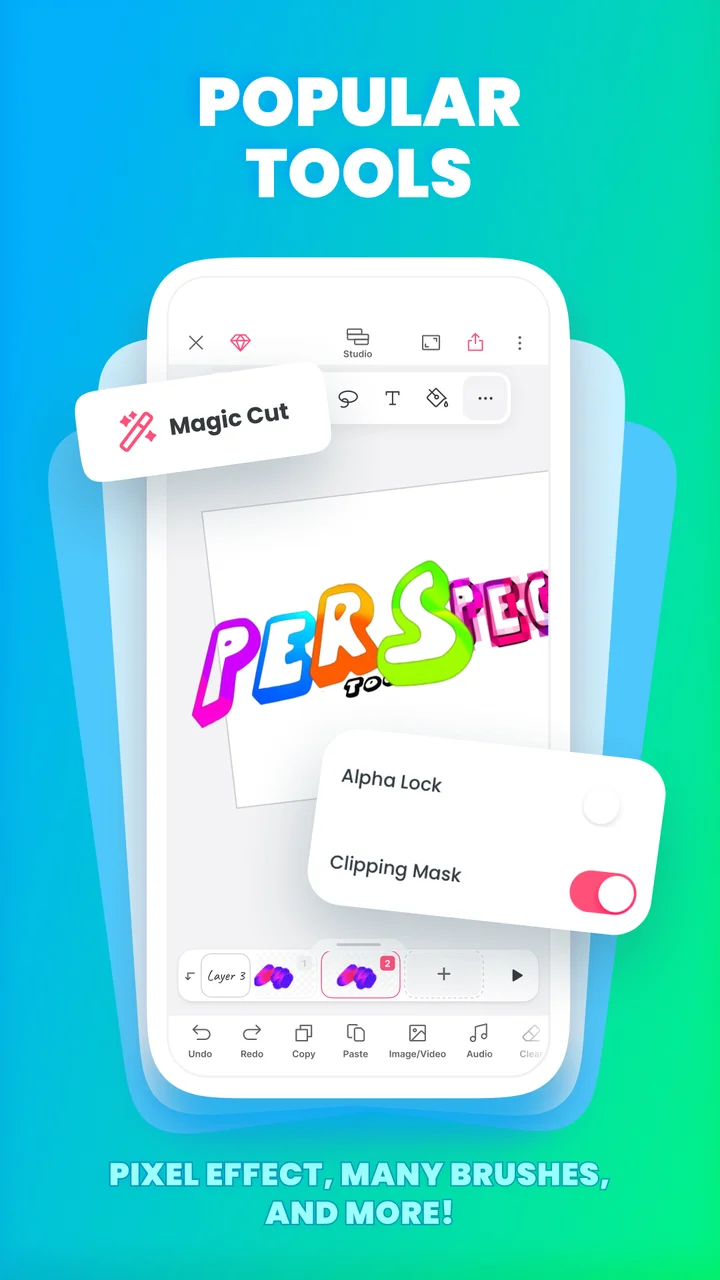
Core features locked behind paywall Essential features like layers, custom audio, and onion skin settings require a paid subscription.
Crashes and data loss Frequent crashes, freezes, and auto-save failures cause loss of work; some lose hours of progress.
Shift to subscription model Long-time users are upset that previously purchased features are no longer honored.
Based on 500 Google Play reviews · Updated Aug 30, 2026
Over the last 60 days, PixelTrack observed changes in estimated installs, rating, rating count and review count. The table compares the earliest recorded changed value with the latest observation.
Metric
Earlier value
Latest value
Change
Latest change
Estimated installs
81,611,724
83,118,439
+1,506,715
Nov 20, 2026
Rating
4.34
4.31
-0.03
Nov 20, 2026
Rating count
795,949
801,156
+5,207
Nov 20, 2026
Review count
52,538
52,745
+207
Nov 20, 2026
FlipaClip: Draw 2D Animation Changelog
10 changes
↑
Version 5.1.1 Update
What’s new
Bug Fixes
- Fixed the steps button missing from the Contest screen.
↑
Version 5.1.0 Update
What’s new
FlipaClip just got smoother and faster, with a clearer view of your layers.
- See every layer at a glance: the layer picker now shows a preview of what’s on each one.
- A faster, lighter Studio: frames load quicker and use less memory, especially when using fill.
- Smoother animating: fixes for copy and paste, Onion Loop and flickering frame thumbnails.
- Plus several improvements preventing app crashes.
↑
Version 5.0.3 Update
What’s new
Meet the new version of FlipaClip!
Same soul, way more power.
• Your whole project, one view: see and edit your drawings, frames, and audio in one place.
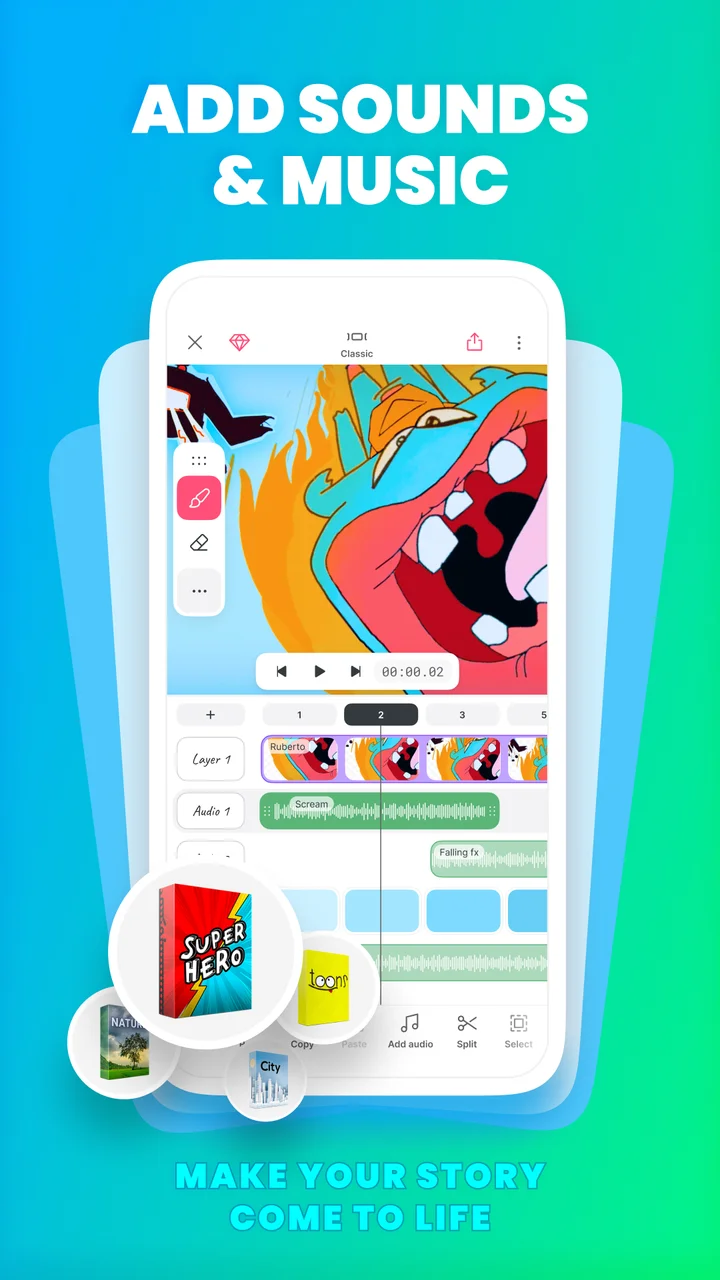
• Two layouts, one editor: Classic for focus, Studio for the full timeline. Do everything in either.
• Draw outside the canvas to keep references beside the scene.
• Less copy-pasting: stretch a frame or group and loop frames.
• Undo everything, even deleting a frame or layer.
• Lighter projects that use less space.
Update and see what’s new.
↑
Version 5.0.2 Update
What’s new
Meet the new version of FlipaClip!
Same soul, way more power.
• Your whole project, one view: see and edit your drawings, frames, and audio in one place.
• Two layouts, one editor: Classic for focus, Studio for the full timeline. Do everything in either.
• Draw outside the canvas to keep references beside the scene.
• Less copy-pasting: stretch a frame or group and loop frames.
• Undo everything, even deleting a frame or layer.
• Lighter projects that use less space.
Update and see what’s new.
↑
Version 5.0.1 Update
What’s new
Meet the new version of FlipaClip!
Same soul, way more power.
• Your whole project, one view: see and edit your drawings, frames, and audio in one place.
• Two layouts, one editor: Classic for focus, Studio for the full timeline. Do everything in either.
• Draw outside the canvas to keep references beside the scene.
• Less copy-pasting: stretch a frame or group and loop frames.
• Undo everything, even deleting a frame or layer.
• Lighter projects that use less space.
Update and see what’s new.
↑
Version 5.0.0 Update
What’s new
Meet the new version of FlipaClip!
Same soul, way more power.
• Your whole project, one view: see and edit your drawings, frames, and audio in one place.
• Two layouts, one editor: Classic for focus, Studio for the full timeline. Do everything in either.
• Draw outside the canvas to keep references beside the scene.
• Less copy-pasting: stretch a frame or group and loop frames.
• Undo everything, even deleting a frame or layer.
• Lighter projects that use less space.
Update and see what’s new.
↑
Version 4.2.41 Update
What’s new
- Bug fixes and improvements.
$
In-app purchase price changed
In-app purchase price: $5.99 - $39.99 per item → $2.99 - $39.99 per item