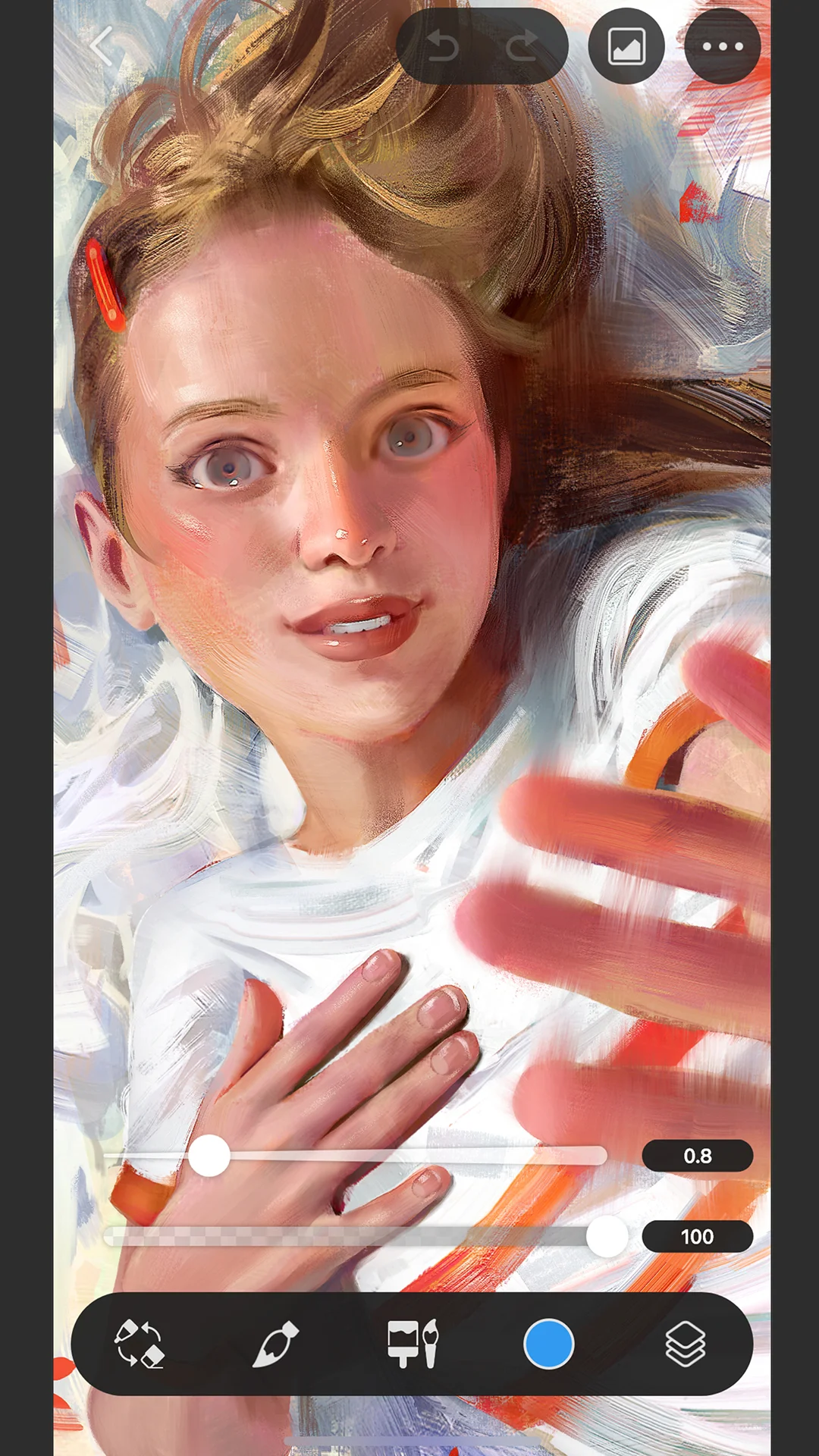
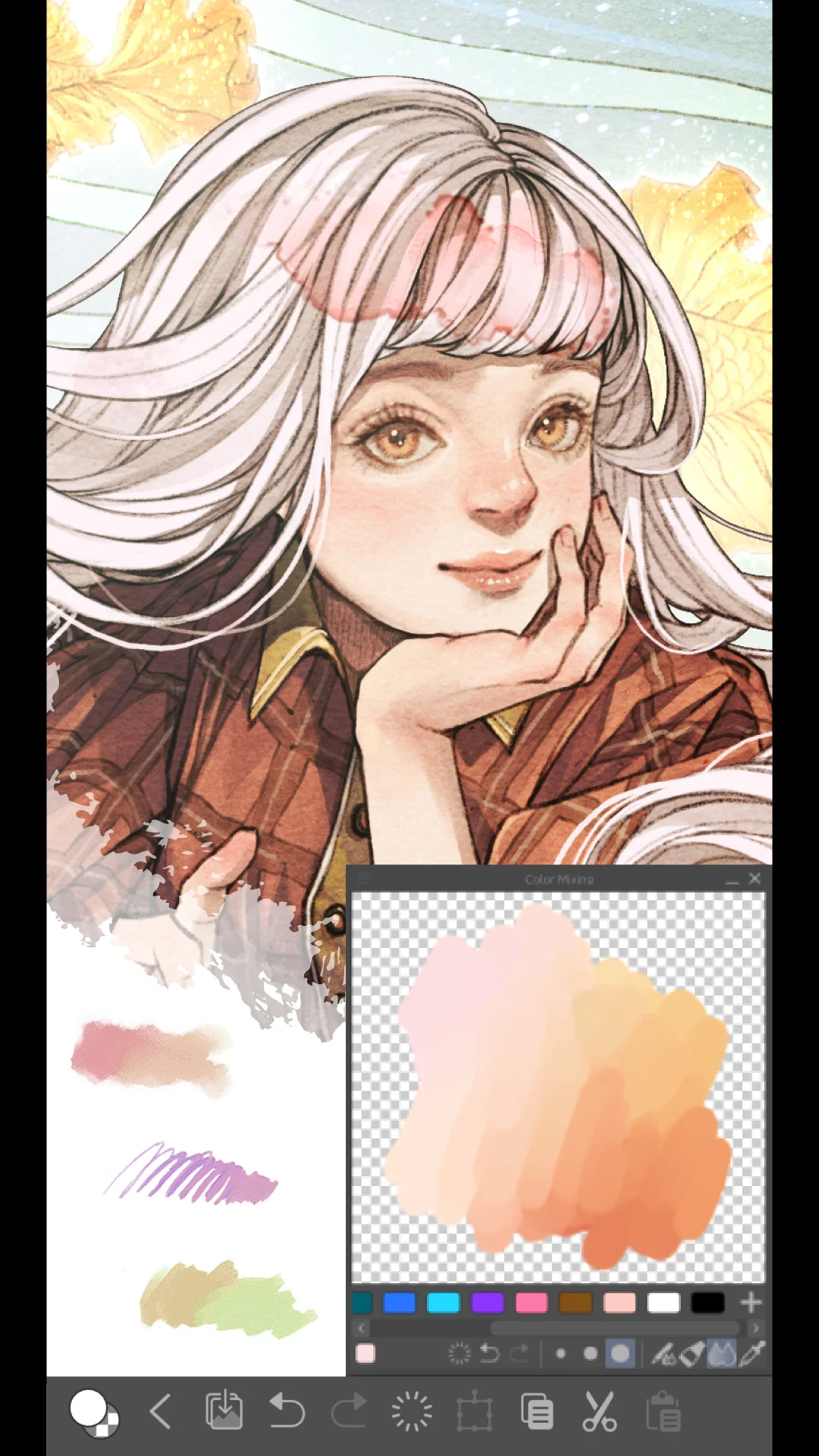
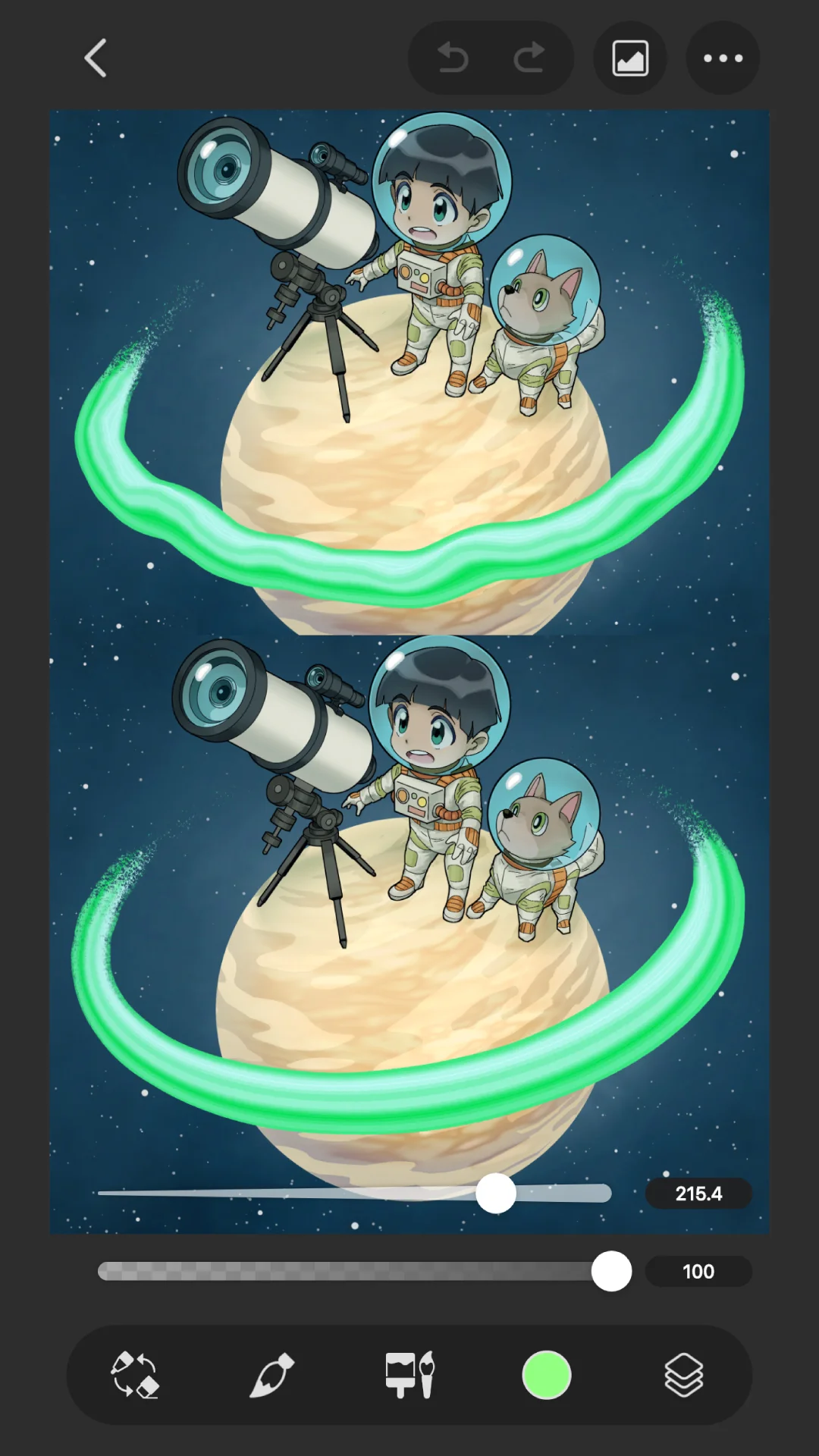
Clip Studio Paint is lauded for its formidable brush engine, deep customization, and desktop-like proficiency, yet a mandatory mobile subscription, paywalled saving/exporting, and stability issues mar the experience. The intricate interface is a hurdle for novices, making it a fit primarily for dedicated artists willing to invest.
What users like
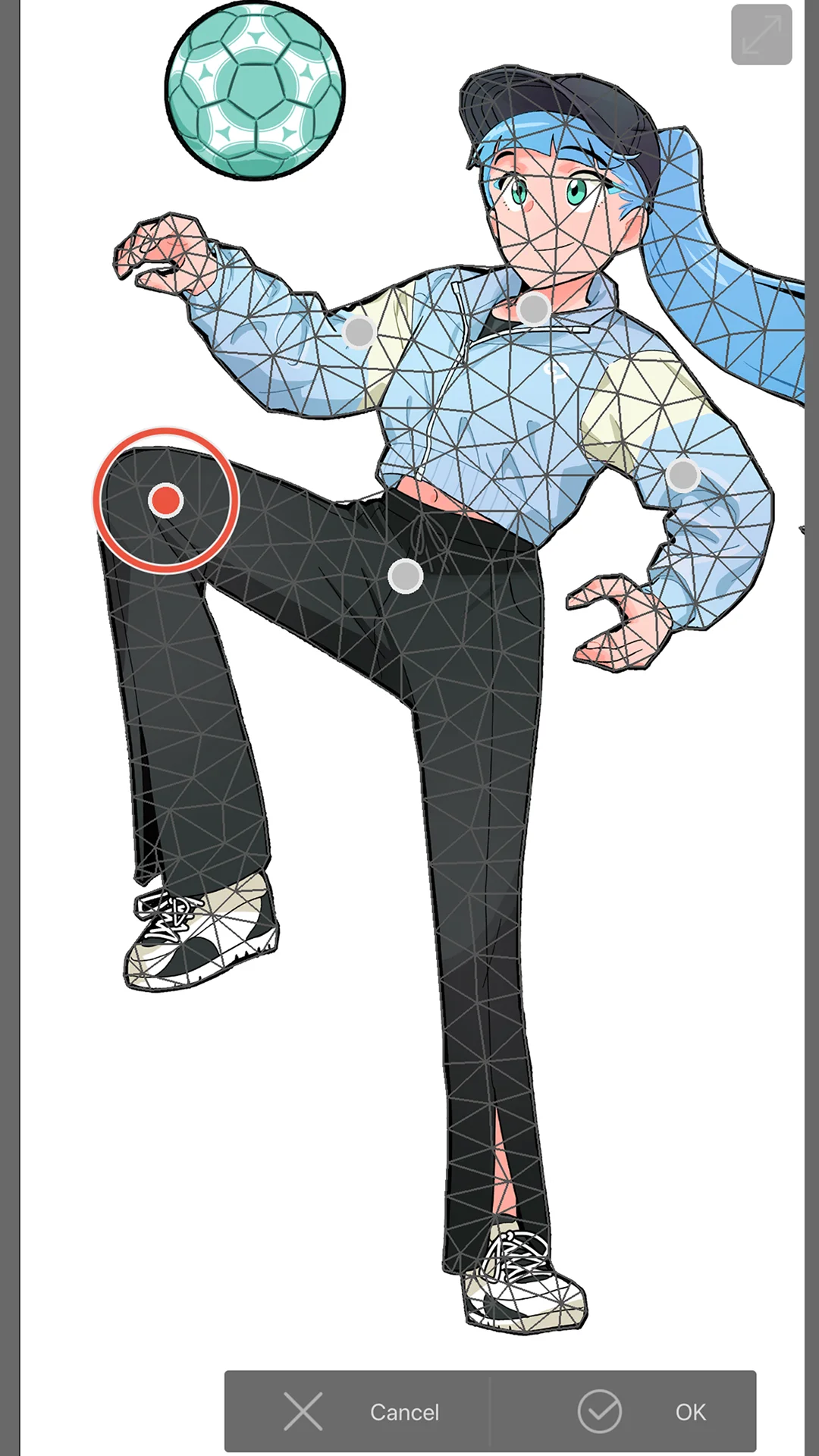
Powerful and professional drawing tools Users praise the brush engine, extensive customization, and professional-grade features, likening it to desktop software.
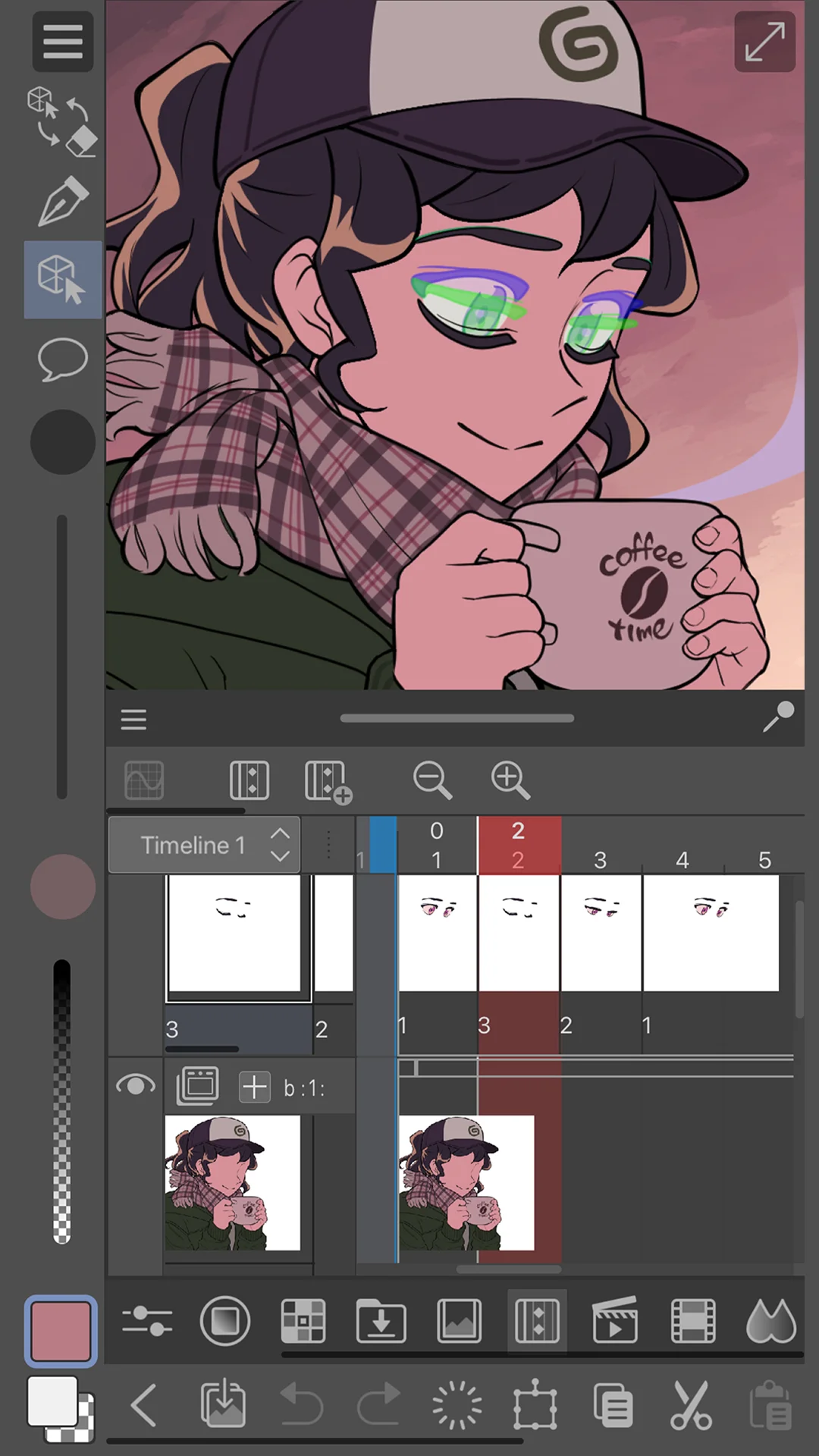
Seamless cross-device workflow Project syncing between mobile and desktop allows for convenient on-the-go artwork, appreciated by many.
Free tier with reasonable time limit The 30-hour monthly or one-hour daily allowance is acceptable for casual sketching and doodles.
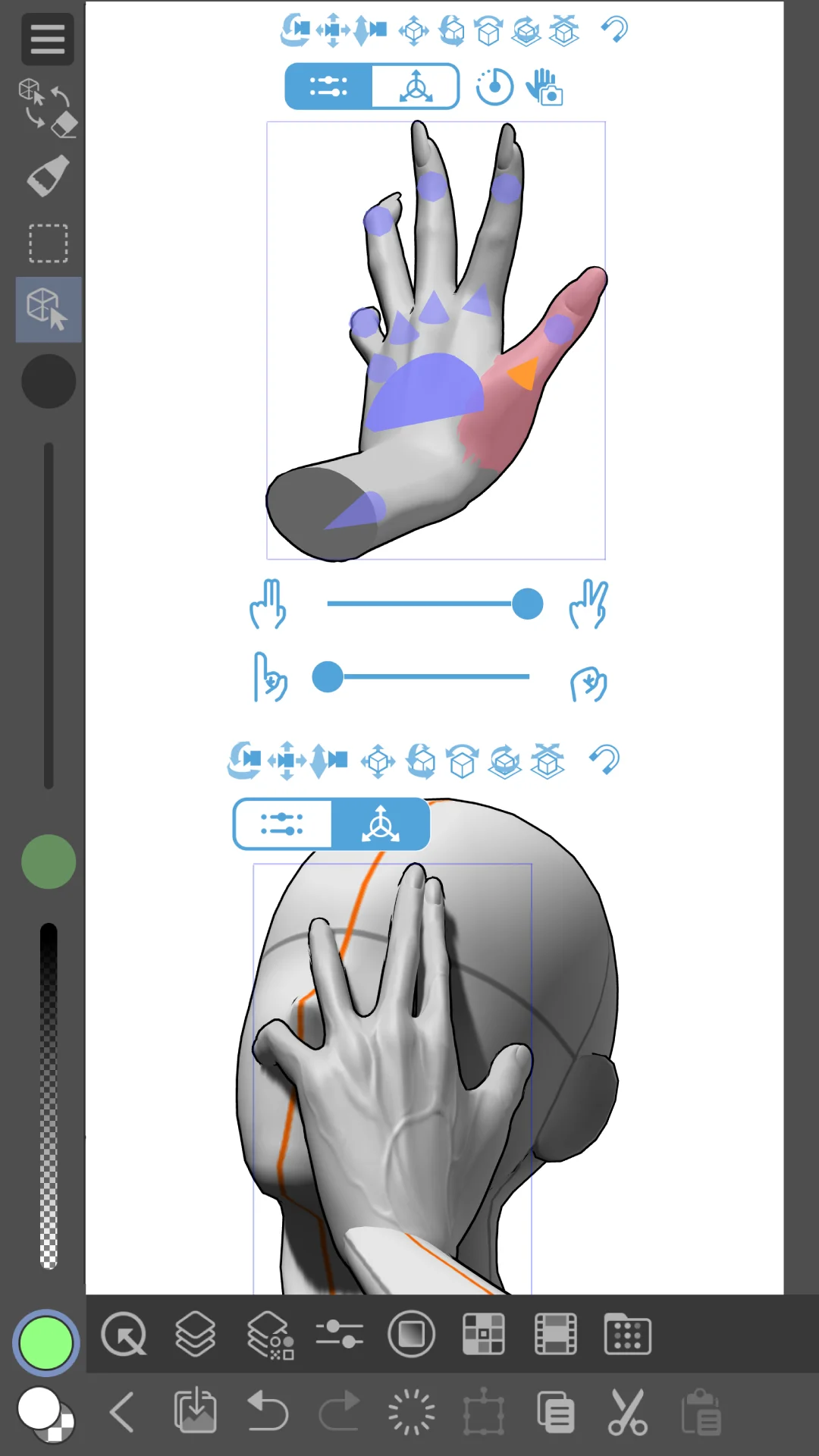
Vibrant community and asset store A vast library of user-created brushes, materials, and 3D models enhances versatility and creativity.
Common concerns
Subscription-only model with no perpetual license Mobile users are forced into subscriptions, frustrating those who own a perpetual desktop license.
Inability to save or export work without paying The free version blocks saving/exporting, causing lost work and making the app unusable for serious projects.
Crashes and data loss Frequent crashes lead to permanent loss of unsaved work, particularly after updates or on certain devices.
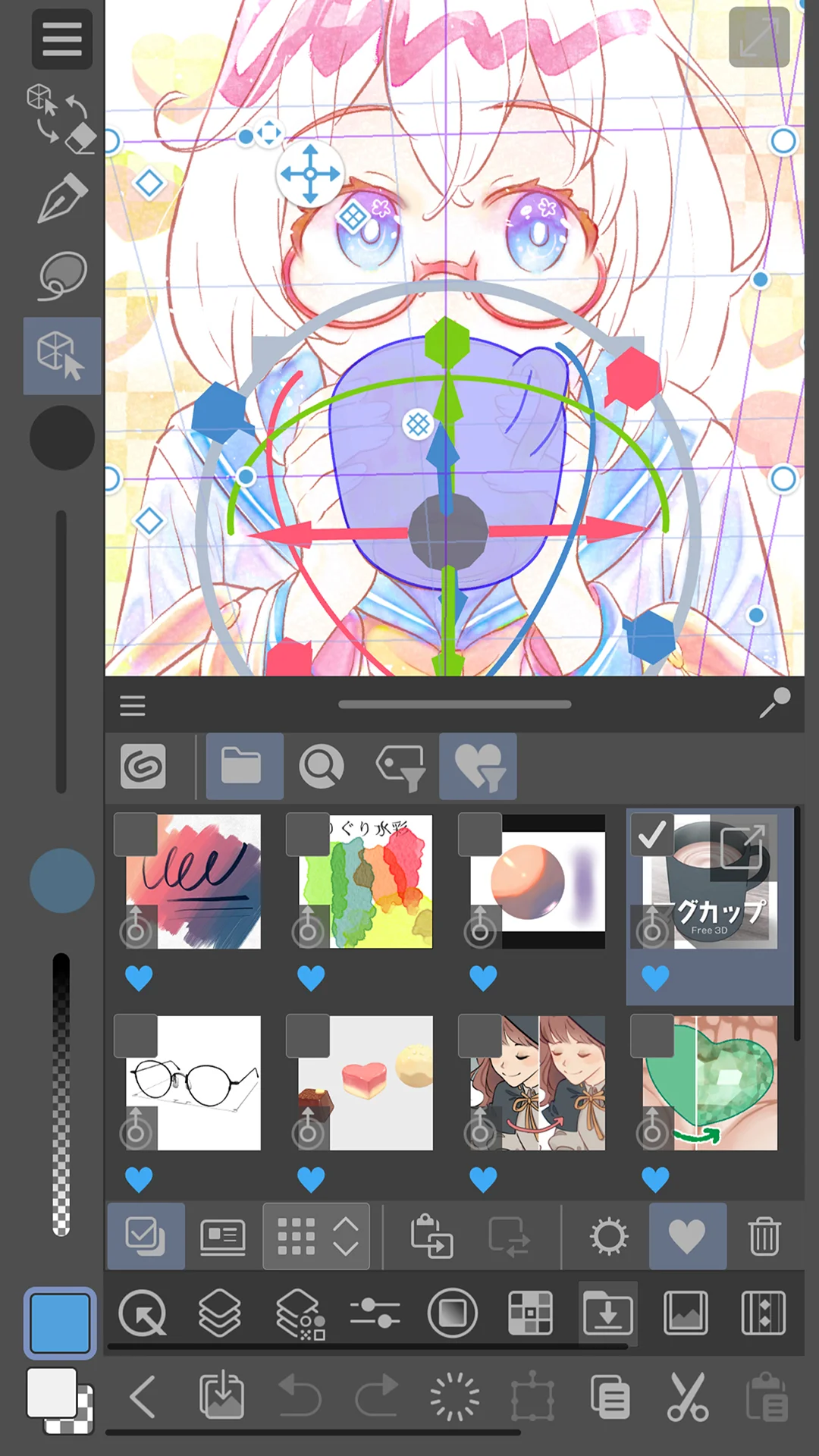
Confusing and non-mobile-friendly UI The interface is overwhelming, especially in Studio mode, and feels like a shrunken PC interface, not beginner-friendly.
Based on 500 Google Play reviews · Updated Aug 30, 2026
Over the last 60 days, PixelTrack observed changes in estimated installs, rating, rating count and review count. The table compares the earliest recorded changed value with the latest observation.
Metric
Earlier value
Latest value
Change
Latest change
Estimated installs
18,304,345
18,721,708
+417,363
Oct 2, 2026
Rating
4.41
4.44
+0.03
Oct 3, 2026
Rating count
48,542
50,651
+2,109
Oct 3, 2026
Review count
2,989
3,041
+52
Oct 3, 2026
Clip Studio Paint Changelog
1 change
↑
Version 5.1.4 Update
What’s new
[Ver.5.1.4]
・ The Object Launcher and movement manipulator no longer overlap when a 3D layer is selected.
・ The destination of the link in the message that appears if you open a Clip Studio format file (.clip) containing old format 3D layers has been changed.
・ Improved the interface of the dialog that appears when using Crystallize, Inflate, or Drop shadow from the Filter menu > Effect.
・ “Get storage usage” has been added to the Version information dialog.
・ Other issues have also been fixed.